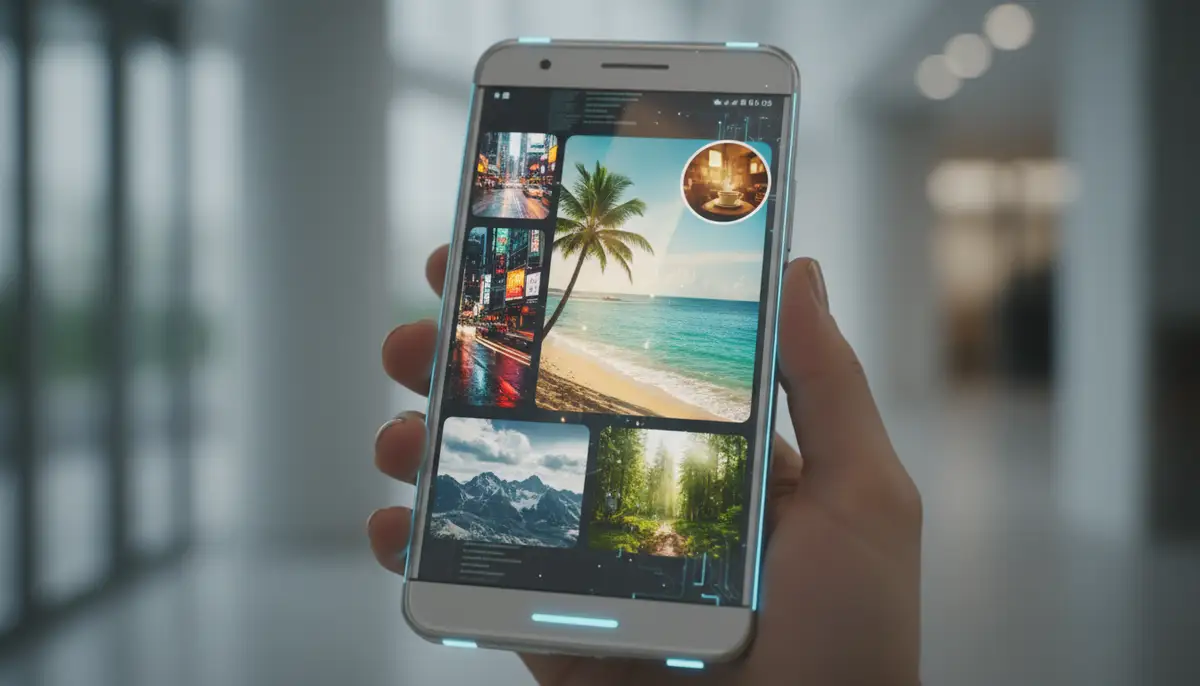
Mastering Your Home Screen: The Ultimate Android Image Widget Guide for 2025
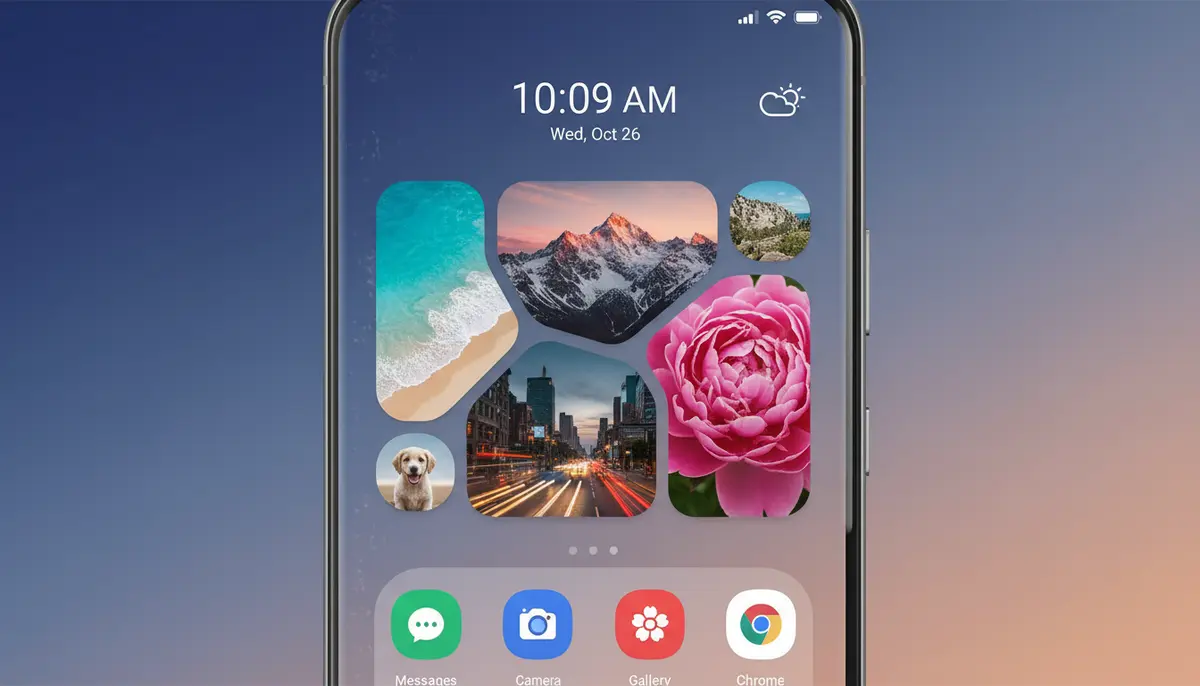
Your Android phone is more than just a device; it is a canvas for your digital life. In 2025, personalization is key. One of the most powerful tools for making your device truly your own is the android image widget. This feature allows you to display your favorite photos directly on your home screen. It transforms a simple wallpaper into a dynamic, personal gallery. Imagine seeing cherished memories or inspiring images every time you unlock your phone. This guide will help you unlock the full potential of your android image widget. You will learn how to set them up, customize them, and troubleshoot common issues. Get ready to make your Android home screen reflect your unique style and personality.
What is an Android Image Widget?
At its core, an android image widget is a small, interactive application that lives on your Android home screen. Unlike a static wallpaper, a widget can display changing content. An image widget, specifically, pulls photos from your device's gallery or a cloud service. It then presents them in a frame or collage directly on your home screen. You can choose single photos or a rotating slideshow of many. This gives your phone a fresh look every day. It also keeps your favorite visuals front and center. Many users rely on a robust collection of home screen widgets to customize their devices. Widgetopia offers a vast collection of free homescreen widgets for Android, allowing you to remix or design your own image widgets.
The concept is simple yet powerful. Instead of digging through your photo gallery, your chosen images are always visible. This makes your phone feel more personal and engaging. It is a constant reminder of what matters to you. Whether it is a picture of your family, a pet, or a motivational quote, the android image widget brings it to life. This feature has evolved significantly over the years. Modern widgets offer advanced customization options. They integrate seamlessly with your phone's operating system. This ensures a smooth and beautiful display.
Why Use an Android Image Widget in 2025?
In 2025, our phones are central to our lives. They are tools for work, communication, and entertainment. They also serve as personal statements. An android image widget offers several compelling reasons to enhance your digital experience. It is about more than just aesthetics. It is about creating a more meaningful interaction with your device. You can easily glance at important visuals without opening an app. This saves time and adds a touch of joy to your day. It transforms your phone from a generic device into a truly personal companion.
Enhancing Personalization and Aesthetics
Your phone's home screen is often the first thing you see. It sets the tone for your day. With an android image widget, you can make this space uniquely yours. You can match widgets to your phone's theme or current mood. Perhaps you want a calming nature scene or an energetic cityscape. The choice is entirely up to you. Companies like Aesthetic Widgets have shown how much users value this level of control. They offer tools to create beautiful, cohesive home screen designs. This personalization goes beyond simple wallpapers. It allows for dynamic visual storytelling. You are in control of your digital environment. You can express your personality through carefully chosen images and layouts.
Quick Visual Reminders and Inspiration
Beyond aesthetics, an android image widget serves a practical purpose. It provides quick visual reminders. Need to remember a loved one's birthday? Put their picture on your home screen. Want to stay motivated for a goal? Display an image that represents success. These visual cues can be incredibly powerful. They offer instant inspiration or a gentle nudge throughout your day. It is a subtle way to keep important things top of mind. You do not need to open a reminder app. The image is simply there, working its magic. This passive engagement helps reinforce your intentions and memories.
Choosing the Right Android Image Widget App
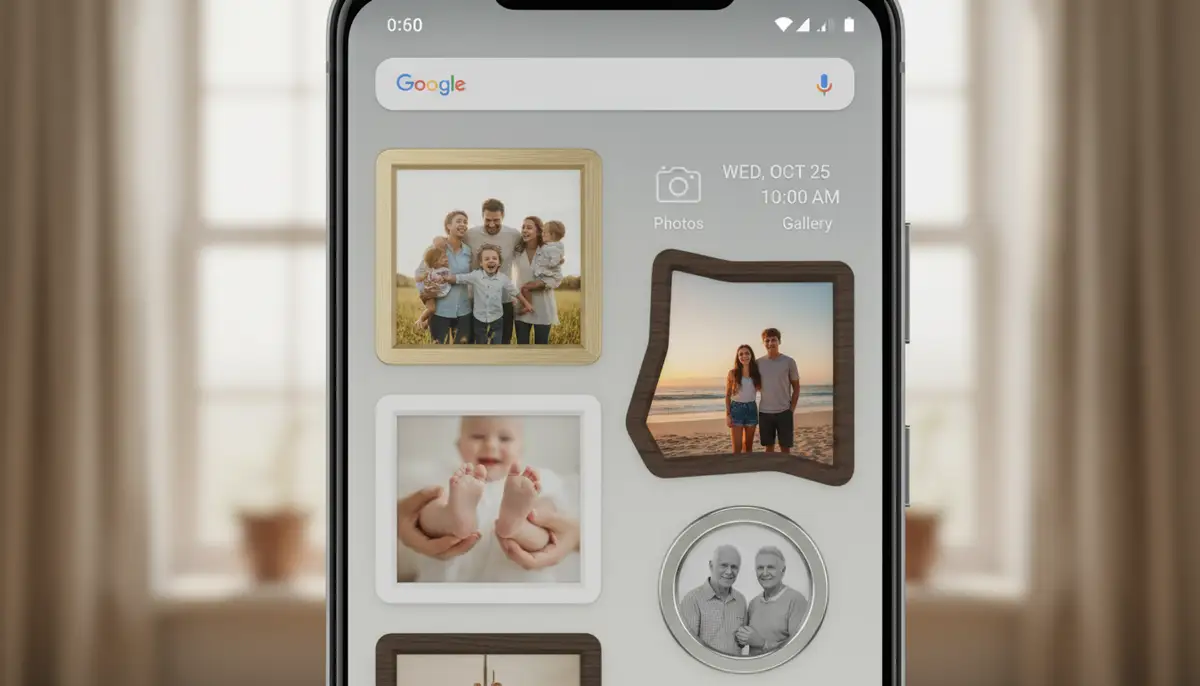
The Google Play Store offers many apps that provide an android image widget experience. Choosing the right one depends on your needs. Some apps focus on simplicity, while others offer deep customization. Consider what features are most important to you. Do you need dynamic image rotation? Do you want specific frame styles? Researching different options will help you find the perfect fit. For example, you might want to organize your home screen with aesthetic photo widgets to discover beautiful frames and edit your home screen with your favorite photos. Alternatively, if you need a simple single-image photo frame for his Android phone's home screen, there are dedicated apps for that too.
Key Features to Look For in an Android Image Widget App
- Customization Options: Look for apps that offer a wide range of frames, borders, and text overlays. This allows you to truly personalize your images.
- Image Sources: Can the app pull photos from your local gallery, Google Photos, or other cloud services? Flexibility here is crucial.
- Resizing and Aspect Ratio Control: Ensure you can easily resize your widget and control how images fit within it. This prevents awkward cropping.
- Multiple Widget Support: Some apps let you create several different image widgets, each with its own set of photos. This is great for diverse themes.
- Dynamic Image Rotation: For slideshows, check if you can set the interval for image changes. Some advanced apps even offer smart rotation based on location or time.
- Performance and Battery Life: A good widget app should be lightweight and not drain your battery. Check reviews for performance feedback.
Many apps, including Widgetopia, provide these features and more. They help you create truly unique home screen experiences. Always read reviews and test a few options. This ensures you find the android image widget app that best suits your style and technical needs. Look for apps that are regularly updated. This indicates ongoing support and new features. A well-maintained app will provide a better long-term experience for your home screen personalization.
How to Add an Android Image Widget to Your Home Screen
Adding an android image widget is a straightforward process. However, the exact steps might vary slightly depending on your Android version and phone manufacturer. Generally, it involves a few simple taps and drags. You do not need to be a tech expert to get started. These steps will guide you through the typical procedure. You will have your favorite photos displayed in no time. This process is designed to be intuitive, making customization accessible to everyone.
Step-by-Step Guide to Adding Your Android Image Widget
- 1. Find an Empty Spot: Go to your Android home screen. Look for an empty space where you want to place your widget. Make sure there is enough room.
- 2. Long-Press: Tap and hold your finger on any empty area of the home screen. Do this until a menu or options appear.
- 3. Select 'Widgets': From the options that pop up, choose 'Widgets'. This will open a list of all available widgets on your phone.
- 4. Locate Your Image Widget: Scroll through the list. Find the specific android image widget you want to use. It might be named 'Photo Widget', 'Image', or something similar, often associated with a specific app.
- 5. Drag and Drop: Tap and hold the image widget icon. Drag it to the desired empty spot on your home screen. Release your finger.
- 6. Configure the Widget: Once placed, the widget app will usually prompt you to configure it. This is where you select your photos, choose frames, and set rotation intervals.
- 7. Resize (Optional): After configuration, you can often resize the widget. Tap and hold the widget, then drag its edges to make it larger or smaller.
Following these steps will quickly get your image widget set up. Remember that some apps, like Widgetopia, may have their own unique setup flows. However, the core principle of long-pressing and selecting from the widget drawer remains consistent. This ease of use is one reason why the android image widget is so popular. It offers instant visual gratification with minimal effort. You can experiment with different sizes and placements until you find the perfect look.
| Step | Action | Description |
|---|---|---|
| 1 | Long-Press Home Screen | Tap and hold an empty area on your home screen. |
| 2 | Select 'Widgets' | Choose the 'Widgets' option from the appearing menu. |
| 3 | Find Image Widget | Browse the list for your desired Android image widget (e.g., 'Photo Widget'). |
| 4 | Drag to Home Screen | Tap, hold, and drag the widget to your preferred spot. |
| 5 | Configure Photos | Follow prompts to select images, frames, and settings. |
| 6 | Adjust Size | Long-press the widget and drag edges to resize as needed. |
Advanced Customization Tips for Your Android Image Widget
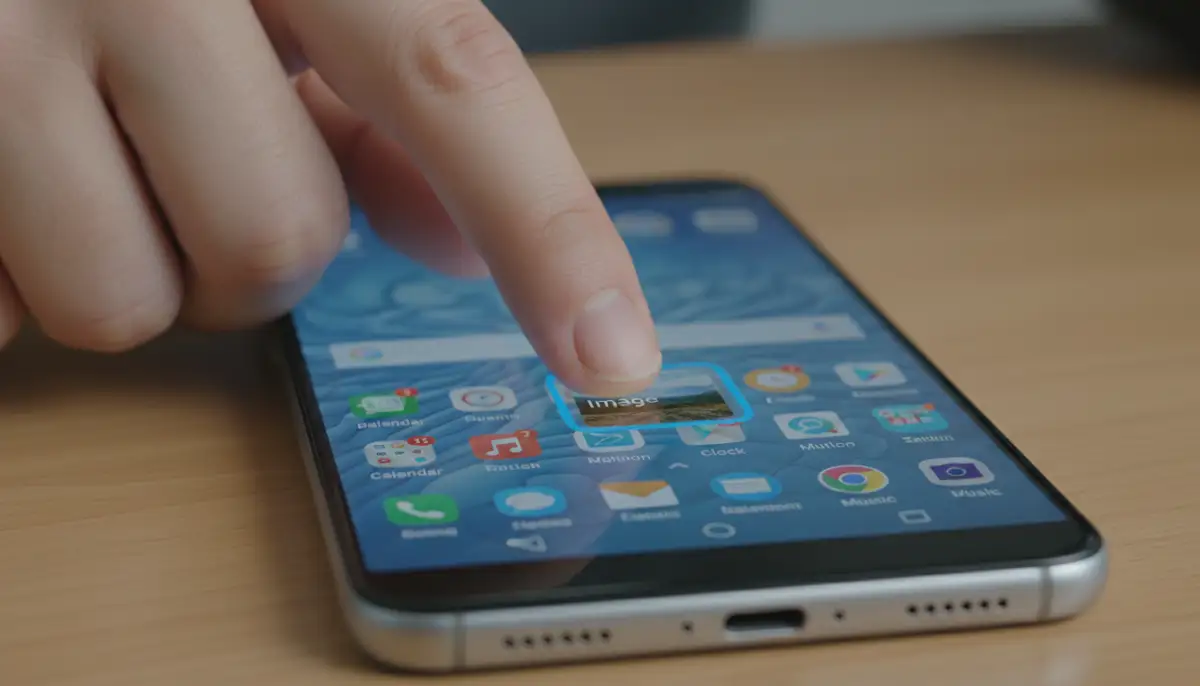
Once you master the basics, you can explore advanced customization. This takes your android image widget to the next level. Modern widget apps offer incredible flexibility. You can create truly unique and interactive home screens. Think beyond just displaying a single photo. Imagine a collage that tells a story, or images that change based on your mood. These advanced features allow for endless creative possibilities. They make your phone an extension of your artistic vision.
Dynamic Image Rotation and Albums
Many android image widget apps allow you to select an entire album or folder of photos. The widget then rotates through these images at a set interval. This keeps your home screen fresh and engaging. You can set it to change every hour, every day, or even every time you unlock your phone. This feature is perfect for reliving memories or showcasing a diverse portfolio of images. Services like photowidget.net specialize in offering dynamic photo display options. They help users curate ever-changing visual experiences. This ensures your home screen never looks stale. It always offers something new to see.
Integrating with Themes and Aesthetics
For a truly cohesive look, integrate your android image widget with your overall phone theme. Choose frames and borders that match your icon pack and wallpaper. Some widget apps offer transparent backgrounds. This allows the wallpaper to show through, creating a seamless effect. Experiment with different color palettes and design styles. Companies like colorwidgets.app focus on helping users create visually harmonious themes. They ensure every element on your screen works together. This creates a polished and professional appearance. Your home screen becomes a work of art.
Widgetopia excels in this area. It provides tools to remix existing designs or create your own from scratch. This means you can perfectly match your android image widget to any aesthetic. Whether you prefer minimalist, vibrant, or vintage styles, you can achieve it. The platform offers a vast library of design elements. This makes customization fun and limitless. You can spend hours perfecting your home screen. The results will be truly stunning and unique to you.
Troubleshooting Common Android Image Widget Issues
Even the best android image widget can sometimes encounter issues. Do not worry, most problems are easy to fix. Understanding common troubleshooting steps will save you time and frustration. You can quickly get your widgets back to working perfectly. These solutions cover the most frequent complaints. They ensure your personalized home screen remains flawless. A little knowledge goes a long way in maintaining your digital experience.
Widget Not Loading or Updating Correctly
If your android image widget is not showing images or updating, try these steps: First, restart your phone. This often resolves minor software glitches. Second, clear the cache for the widget app. Go to Settings > Apps > [Your Widget App] > Storage > Clear Cache. This removes temporary files that might be causing problems. Third, ensure the app has all necessary permissions. Check if it has access to your storage and photos. Incorrect permissions are a common culprit. Finally, try removing and re-adding the widget to your home screen. This can reset its connection and resolve display issues. Most problems are solved with one of these simple actions.
Image Quality and Resizing Problems
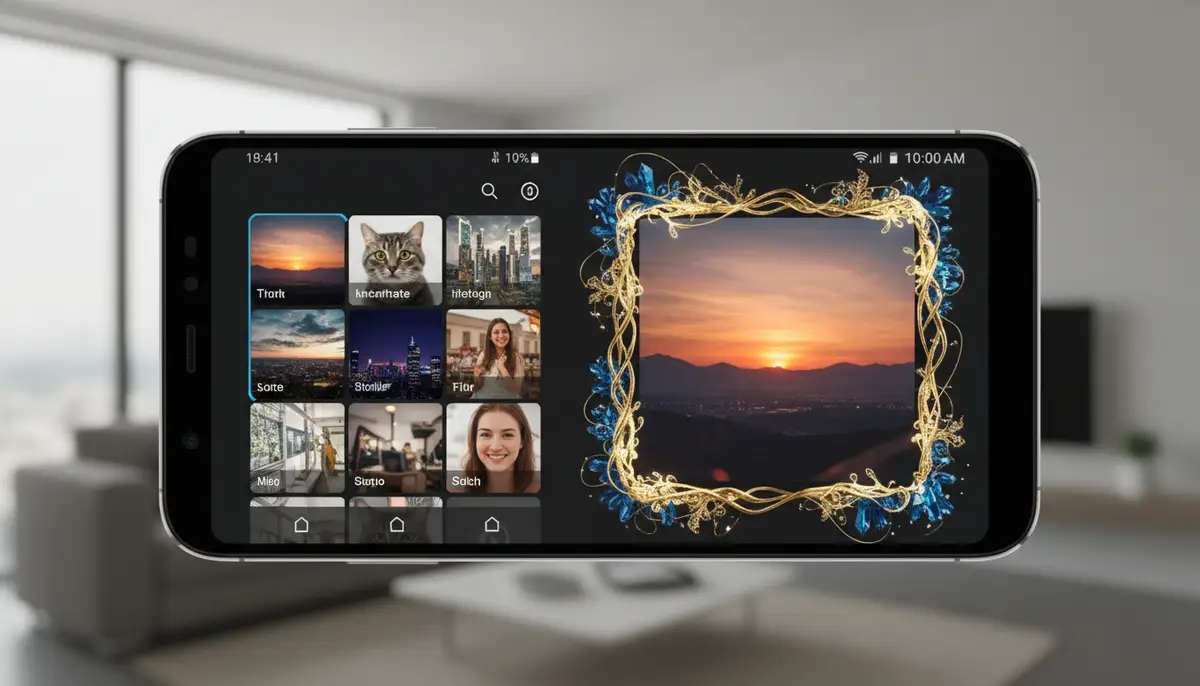
Sometimes, images in your android image widget might appear blurry or pixelated. This usually happens if the original image resolution is too low for the widget's size. Always use high-resolution photos for best results. If resizing causes cropping, check your widget app's settings. Many apps offer options to 'fit' or 'fill' the image within the widget frame. Experiment with these settings to find the best display. Also, try resizing the widget itself. A smaller widget might make lower-resolution images look better. Adjusting these parameters will significantly improve visual clarity. You can achieve a crisp, professional look for all your photos.
The Future of the Android Image Widget
The evolution of the android image widget is far from over. In 2025 and beyond, we can expect even more sophisticated features. Artificial intelligence will play a bigger role. Imagine widgets that intelligently select photos based on your mood or calendar events. They could even suggest new layouts or themes. Deeper integration with system APIs will also enhance functionality. Developers are constantly exploring new ways to make widgets more interactive and useful. The core ImageView component of Android development continues to evolve, enabling richer visual experiences for widgets.
We might see augmented reality (AR) elements integrated into image widgets. This could create immersive experiences directly on your home screen. Think of dynamic 3D photos or interactive visual stories. The possibilities are truly exciting. As Android continues to advance, so too will the capabilities of its widgets. The android image widget will remain a cornerstone of personalization. It will offer increasingly innovative ways to connect with your digital world. Your home screen will become an even more vibrant and intelligent space.
Beyond Images: Other Useful Android Widgets
While the android image widget is fantastic, Android offers a vast ecosystem of other useful widgets. These can further enhance your productivity and personalize your device. From weather updates to calendar reminders, widgets provide glanceable information. They reduce the need to open full applications. Exploring these options can significantly improve your daily workflow. You can create a home screen that is both beautiful and highly functional. It is all about making your phone work smarter for you.
For instance, if you often share your internet connection, you might find a comprehensive guide to the Android Hotspot Widget incredibly useful. It offers instant control over your mobile hotspot. Similarly, for drivers, mastering your vehicle's connectivity with the ultimate guide to the Android Auto Widget can streamline your in-car experience. These specialized widgets, much like the android image widget, are designed to make your digital life more convenient and efficient. They are all part of the rich tapestry of Android customization.
Widgetopia doesn't stop at image widgets. It provides a huge array of widgets for various functions. You can find widgets for clocks, weather, battery, and more. All are highly customizable. This allows you to create a completely unique and functional home screen. You can mix and match different widget types. This creates a dashboard that perfectly suits your needs. It is about empowering you to design your ideal phone interface.
Conclusion
The android image widget is a powerful tool for personalizing your Android device. It allows you to transform your home screen into a dynamic gallery of your most cherished moments. You can display inspiring visuals or important reminders. In 2025, customization is not just a luxury; it is an expectation. By following the tips and guides in this article, you can master your image widgets. You will create a home screen that truly reflects who you are. Embrace the power of visual personalization. Make your Android experience uniquely yours.
Whether you are a seasoned Android user or new to customization, the android image widget offers endless possibilities. Experiment with different apps, layouts, and image selections. Discover the joy of a home screen that evolves with you. Your phone is a personal statement. Let your image widgets speak volumes about your style and memories. Start customizing today and enjoy a more engaging digital world.