


Master Your Inbox: The Ultimate Guide to the Android Email Widget in 2025
The Power of the Android Email Widget in 2025
In our fast-paced digital world, managing your email efficiently is more crucial than ever. You need tools that keep you connected without overwhelming you. Enter the android email widget – a game-changer for anyone looking to streamline their mobile workflow. This powerful feature brings your inbox directly to your home screen. It lets you glance at new messages and perform quick actions without even opening your full email application. Imagine seeing your most important emails at a glance. You can reply or archive them with a single tap. This is the convenience an android email widget offers in 2025.
An android email widget is not just about convenience. It's about regaining control over your digital life. It helps you reduce distractions. It also boosts your overall productivity. This guide will dive deep into everything you need to know about optimizing your android email widget. We will cover setup, customization, and advanced tips. Get ready to transform your email experience.
Why You Need an Android Email Widget Now More Than Ever
The modern professional faces constant information overload. Emails flood in from work, personal contacts, and subscriptions. Checking your full inbox can become a time sink. It often leads to getting sidetracked by less important messages. This is where the strategic use of an android email widget shines. It acts as a highly effective filter.
Think about the benefits. You get instant access to critical information. You can perform quick actions like archiving or marking as read. This saves precious seconds throughout your day. Reducing the need to open the full email app also minimizes temptation. You won't get lost in endless scrolling. An android email widget keeps you focused on what truly matters. It helps you stay on top of your communications with minimal effort.
Getting Started: How to Add an Android Email Widget to Your Home Screen
Adding an android email widget to your home screen is a straightforward process. It's similar across most Android devices, though exact steps might vary slightly depending on your phone's manufacturer and Android version. Let's walk through the general procedure. You'll have your email front and center in no time.
General Steps to Add an Android Email Widget:
- Touch and hold an empty space on your home screen. This will bring up customization options.
- Tap 'Widgets' from the menu that appears at the bottom or top of your screen.
- Scroll through the list of available widgets until you find your email application (e.g., Gmail, Outlook, Spark).
Once you locate your desired email app, you'll usually see different widget options. These might include a full inbox view, a quick compose button, or just an unread count. Touch and hold the specific android email widget you want. Then drag it to your preferred spot on the home screen. Release your finger, and the widget will snap into place. You might be prompted to select an account or customize its appearance right away.
Customizing Your Gmail Android Email Widget
If you use Gmail, adding its widget is incredibly easy. Google has designed it for seamless integration. You can find detailed instructions on how to set up your Gmail widget directly from Google's support pages. Once added, you can often resize the widget by touching and holding it. Drag the edges to make it larger or smaller. You can also stack multiple widgets on top of each other if your launcher supports it. This saves space while still providing quick access to different accounts or folders. The Gmail android email widget is highly flexible.
When you first place a Gmail widget, it usually asks you to choose which account it should display. If you have multiple Gmail accounts, you can add separate widgets for each. This gives you a quick overview of all your inboxes. You can also select specific labels or folders to display. This is great for focusing on work emails or urgent messages.
Exploring Different Types of Android Email Widgets
Not all android email widget options are created equal. Different email applications offer various types of widgets. Each serves a unique purpose. Understanding these variations helps you choose the best fit for your workflow. Let's explore some common types you'll encounter.
Common Android Email Widget Types:
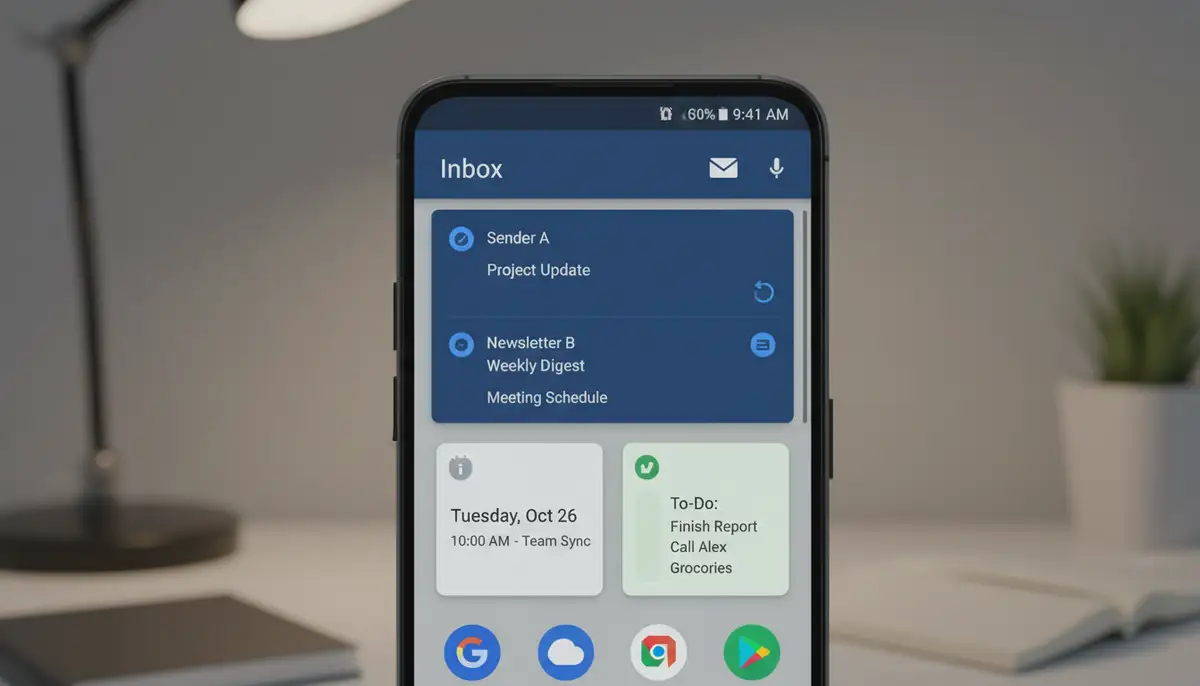
- Standard Inbox View: This is the most popular type. It displays a scrollable list of your recent emails. You can often see sender, subject, and a snippet of the message. This widget allows for quick scanning and direct interaction.
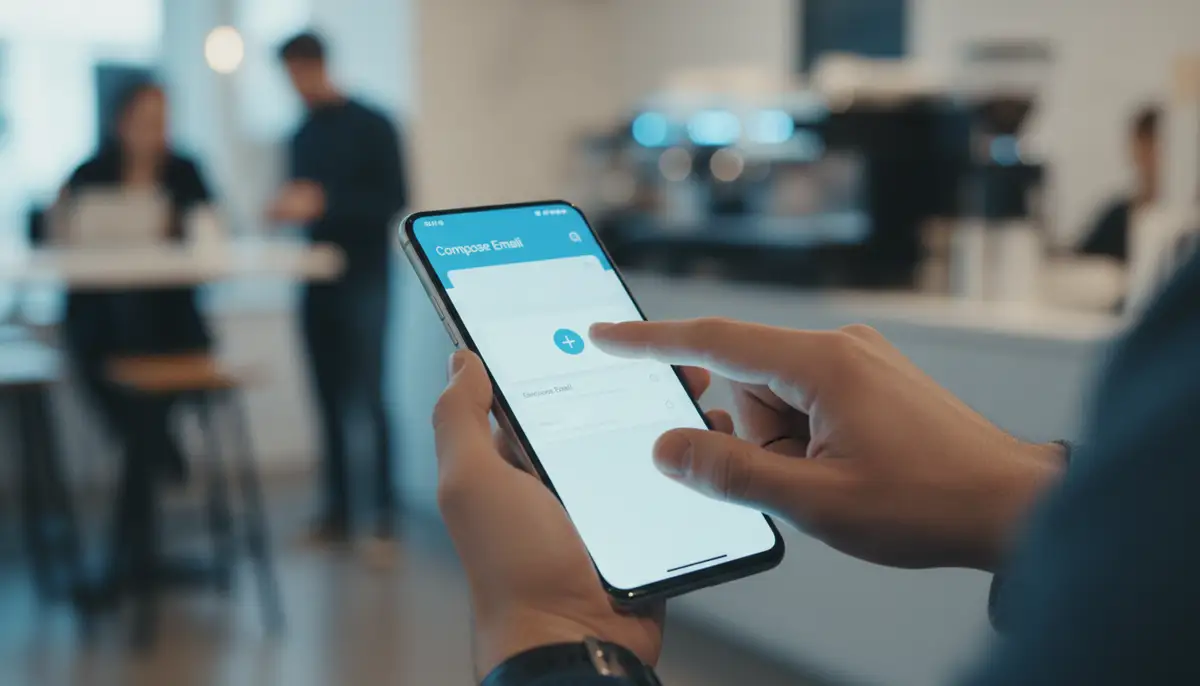
- Quick Compose Button: Some apps offer a small widget that is just a button. Tapping it immediately opens a new email draft. This is perfect for sending emails on the fly. For example, the Quick Mail app specializes in this, letting you send emails with minimal steps.
- Unread Count/Badge: A minimalist widget that simply shows the number of unread emails. It’s ideal if you prefer a cleaner home screen but still want to be aware of new messages.
- Specific Folder View: Advanced widgets allow you to display emails from a particular folder or label. This is excellent for prioritizing. You can dedicate a widget to your 'Urgent' folder or 'Work' emails.
- Action-Oriented Widgets: These might offer buttons for 'Archive All', 'Mark as Read', or 'Reply to Latest'. They are designed for rapid email processing.
The variety ensures that you can tailor your home screen to your exact needs. Whether you need a full overview or just a quick way to send a message, there's an android email widget for you.
Beyond the Basics: Advanced Android Email Widget Features
Modern email widgets go beyond just showing your inbox. Many offer advanced features that enhance their utility. Look for widgets that support filtering capabilities. You might only want to see emails from VIP contacts. Some widgets allow you to search directly from the home screen. This saves you time when looking for a specific message.
Multi-account support is another key feature. If you juggle personal and professional emails, a widget that lets you switch between accounts easily is invaluable. Some widgets even integrate with other productivity apps. This creates a more cohesive digital workspace. This level of sophistication makes the android email widget an indispensable tool for efficiency.
Top Android Email Apps with Excellent Widget Support
The effectiveness of your android email widget largely depends on the email application you choose. Many popular email clients offer robust widget options. They cater to different user preferences and needs. Let's explore some of the top contenders in 2025. We'll highlight what makes their widgets stand out. For a broader view of email apps, you can also check out this list of best Android email apps for more options.
Gmail: The Go-To Android Email Widget for Many
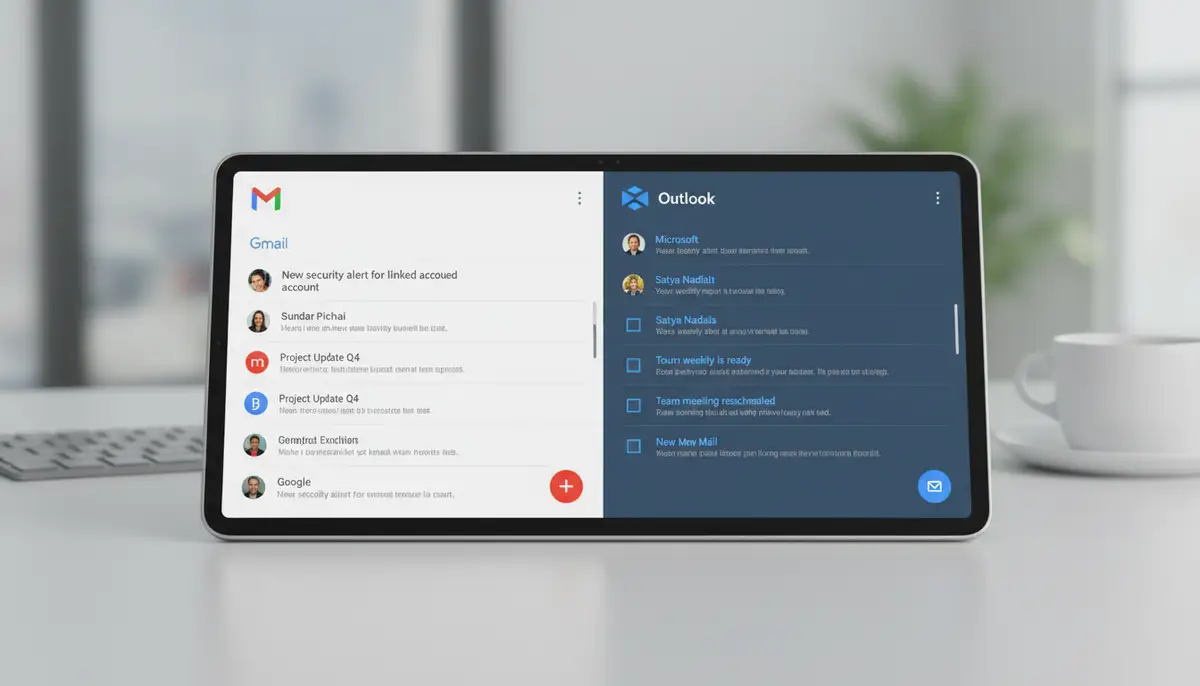
Gmail remains a dominant force in email. Its android email widget is highly functional and widely used. It offers a scrollable view of your inbox. You can select which account to display. It also provides quick actions like archive, delete, or reply. Its intuitive design makes it easy to manage your Google-powered inbox directly from your home screen. The widget updates in real-time. This ensures you always see the latest messages. It's a reliable choice for most Android users.
Outlook Mobile: A Powerful Android Email Widget for Professionals
Microsoft Outlook Mobile is a favorite among business users. Its android email widget reflects its professional focus. It offers a clean interface for viewing emails and calendar events. The widget often integrates seamlessly with other Microsoft services. This makes it ideal for those deeply embedded in the Microsoft ecosystem. You can quickly access your focused inbox. You can also schedule meetings or send quick replies. Outlook's widget is a productivity powerhouse.
Spark and Spike: Innovative Alternatives for Your Android Email Widget
Beyond the giants, apps like Spark and Spike offer unique takes on email management. Spark's android email widget often features a 'Smart Inbox' view. It intelligently categorizes your emails. This helps you focus on important messages first. Spike, with its chat-style email interface, might offer widgets that emphasize conversations. These alternatives provide fresh perspectives. They can cater to users looking for a different email experience. When considering general widget solutions, companies like `photowidget.net` or `colorwidgets.app` focus more on aesthetic customization, but for email, the app itself drives the widget's functionality.
Optimizing Your Android Email Widget for Maximum Productivity
Simply adding an android email widget isn't enough. To truly maximize its benefits, you need to optimize its use. Strategic placement and smart interaction can significantly boost your daily productivity. Let's explore some best practices to get the most out of your email widget.
Best Practices for Widget Placement
Where you place your android email widget on your home screen matters. Consider placing it on your primary home screen, easily accessible with a single swipe. Avoid cluttering it with too many other widgets. Group it logically with other communication or productivity tools. For instance, you might place it next to a calendar widget or a messaging app folder. This creates a cohesive workspace. You can also explore how to optimize other essential widgets like an android hotspot widget for instant connectivity.
Leveraging Quick Actions
Most android email widget options come with quick action buttons. These might include 'Archive', 'Delete', 'Mark as Read', or 'Reply'. Make it a habit to use these. Instead of opening the full app for every email, use the widget for triage. Quickly dismiss irrelevant messages. Mark important ones for later. This reduces the time you spend in your inbox. It keeps your focus sharp.
Additionally, consider batching your email checks. Instead of constantly monitoring your widget, set specific times to quickly review new messages. This prevents constant interruptions. It allows for deeper, focused work periods. The android email widget is a tool to empower you, not to distract you.
Troubleshooting Common Android Email Widget Issues
Even the most reliable android email widget can sometimes act up. If your widget isn't updating, isn't appearing, or is experiencing performance issues, don't worry. Many common problems have simple solutions. Here's a quick guide to troubleshooting. You can get your widget back on track.
Widget Not Updating or Showing New Emails:
- Check Internet Connection: Ensure your phone has an active Wi-Fi or mobile data connection.
- App Permissions: Go to your phone's Settings > Apps > [Your Email App] > Permissions. Make sure all necessary permissions are granted, especially for notifications and background data.
- Background Data Usage: In the same app settings, check 'Mobile data & Wi-Fi' and ensure 'Background data' is enabled. If battery optimization is too aggressive, it might restrict background activity.
- Clear Cache: Sometimes, clearing the app's cache can resolve update issues. Go to Settings > Apps > [Your Email App] > Storage & cache > Clear cache.
- Restart Phone: A simple restart can often fix temporary glitches.
Widget Not Appearing in the Widget List:
- Reinstall App: If the app is new, try uninstalling and reinstalling it. This can sometimes refresh widget availability.
- Check for App Updates: Ensure your email app is updated to the latest version from the Google Play Store.
- Home Screen Launcher Issues: Rarely, your home screen launcher might be the problem. Try switching to a different launcher temporarily to see if the widget appears.
Most issues with an android email widget are software-related. They can be resolved with these basic steps. If problems persist, check the specific email app's support page for more tailored advice. You want your widget to be a reliable tool.
The Future of the Android Email Widget: What to Expect in 2025 and Beyond
The landscape of mobile technology is always evolving. The android email widget is no exception. In 2025, we are already seeing advanced features. The future promises even more intelligence and customization. Expect widgets to become even more integrated and proactive. They will anticipate your needs.
AI-Powered Widgets
Artificial intelligence will play a bigger role. Imagine an android email widget that learns your habits. It could highlight only the emails from people you're scheduled to meet that day. Or it might suggest smart replies directly on the widget itself. This predictive functionality will save you even more time. It will make your email interactions seamless. AI will transform how you interact with your inbox.
Enhanced Customization and Design
Customization will reach new heights. Users will have greater control over the look and feel of their widgets. This includes colors, fonts, and layouts. Platforms like Widgetopia already offer a vast collection of 100,000 free homescreen widgets for iPhone, iPad, and Android. You can remix or design your own. This trend will extend to email widgets. You will be able to match your android email widget perfectly with your overall home screen aesthetic. Companies like `Aesthetic Widgets` are already pushing boundaries in visual customization. This will empower you to create a truly personalized experience. For more options, explore various home screen widgets available.
Cross-device synchronization will also improve. Your email widget experience might seamlessly transfer between your phone, tablet, and even smart displays. This ensures a consistent and efficient workflow across all your Android devices. The android email widget will become an even more central part of your digital ecosystem.
Integrating Your Android Email Widget with Other Productivity Tools
The true power of an android email widget isn't just in its standalone functionality. It's in how it integrates with your broader productivity ecosystem. When combined with other widgets and apps, it creates a powerful hub for managing your day. Think about linking your email insights with your calendar and to-do lists. This synergy can transform your mobile device into a highly efficient personal assistant.
For example, you might have an email widget showing urgent messages. Alongside it, you could place a calendar widget displaying your next meeting. This immediate visual context helps you prioritize. You can quickly see if an email requires immediate action related to an upcoming event. Similarly, integrating with a task manager widget means you can convert an email into a to-do item with minimal fuss. This holistic approach maximizes your efficiency. It ensures no important task slips through the cracks.
Consider exploring how other specialized widgets can complement your email setup. A dedicated android contact widget can provide instant access to key contacts. This makes it easy to follow up on emails with a quick call or message. By strategically combining these tools, you build a personalized productivity dashboard. The android email widget becomes a central piece of this powerful system. It acts as your gateway to effective communication and task management.
Choosing the Right Android Email Widget for Your Needs
With so many options available, selecting the perfect android email widget can feel daunting. However, by considering a few key factors, you can make an informed decision. Focus on what truly matters for your daily workflow. Your ideal widget should enhance your productivity, not complicate it.
Factors to Consider:
- Features: Do you need a full inbox view, quick compose, or just an unread count? Look for widgets that offer the specific functionalities you use most often.
- Customization: How important is it for you to match the widget's appearance to your home screen theme? Some apps offer more visual customization than others.
- Privacy and Security: Ensure the email app and its widget adhere to strong privacy standards, especially if you handle sensitive information.
- Performance: A good widget should update quickly and not drain your battery. Test different options to see which performs best on your device.
- Ease of Use: The widget should be intuitive. You should be able to interact with it effortlessly without needing to learn complex gestures.
To help you compare, here's a table summarizing common features across different types of android email widget options:
| Widget Type | Key Feature | Best For |
|---|---|---|
| Inbox View | Scrollable list of recent emails, quick actions | Users who need a quick overview and triage capability |
| Quick Compose | Dedicated button to start a new email | Users who frequently send new emails on the go |
| Unread Count | Displays number of unread emails | Minimalists who want to stay informed without clutter |
| Folder Specific | Shows emails from a chosen folder/label | Users who prioritize specific categories of mail |
By evaluating these aspects, you can pinpoint the android email widget that best aligns with your personal and professional needs. Don't be afraid to try a few different options before settling on your favorite. The right widget can significantly improve your mobile email management.
Embrace the Efficiency of Your Android Email Widget
The android email widget is more than just a convenient shortcut. It's a powerful tool for modern productivity. It allows you to stay informed, react quickly, and manage your inbox without getting bogged down. By integrating it smartly into your home screen, you transform your device into a highly efficient communication hub. You gain precious time back in your day.
From instant glanceability to quick actions and advanced customization, the benefits are clear. You can reduce distractions. You can prioritize important messages. You can maintain a streamlined workflow. Embrace the power of the android email widget in 2025. Take control of your email, one tap at a time. Start customizing your home screen today for peak efficiency.