


Is There a Countdown Widget on iPhone? Your Ultimate 2025 Guide
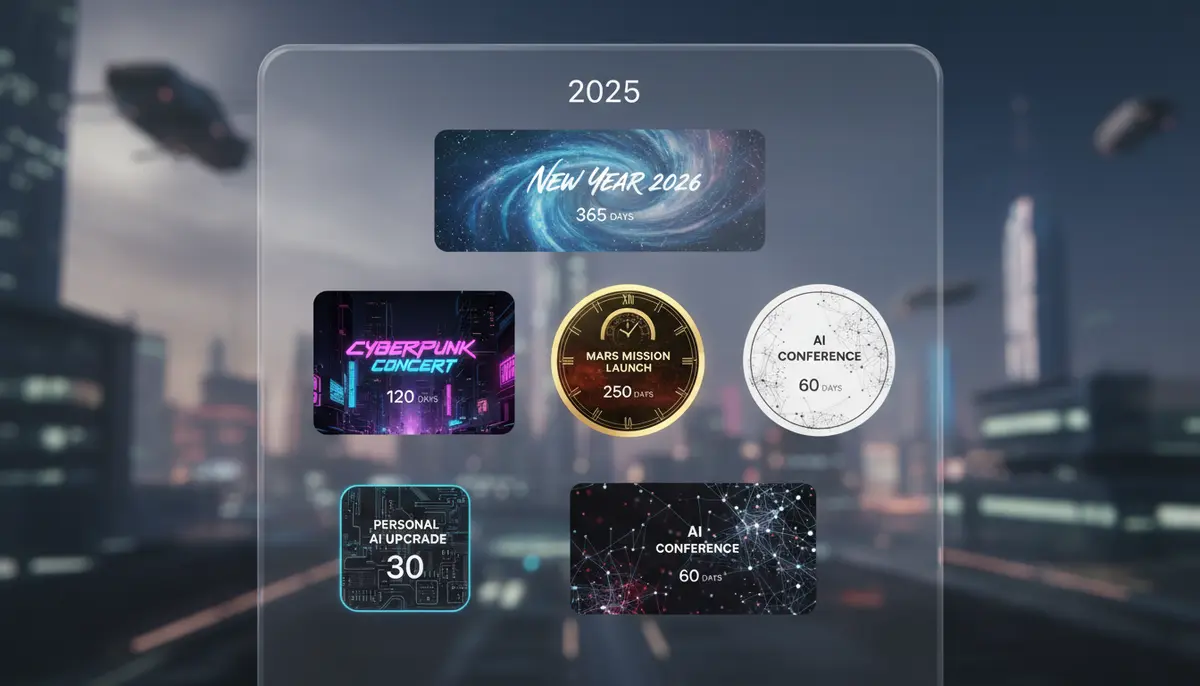
Is There a Countdown Widget on iPhone? The Definitive Answer for 2025
In our fast-paced world, keeping track of important dates and events is crucial. Whether it's a birthday, a vacation, or a critical project deadline, having a visual reminder can make all the difference. Many iPhone users often wonder, "is there a countdown widget on iPhone?" The short answer is yes, absolutely! While Apple's native iOS doesn't offer a dedicated, highly customizable countdown widget out of the box, the App Store ecosystem thrives with fantastic third-party solutions. These apps transform your Home Screen and Lock Screen into dynamic dashboards, ensuring you never miss a beat in 2025.
This comprehensive guide will explore the various ways you can add a countdown widget to your iPhone. We'll dive into both built-in functionalities and the powerful world of third-party applications. You'll learn how to customize these widgets, integrate them seamlessly into your daily routine, and choose the best options available. By the end, you'll have a clear understanding of how to leverage countdown widgets to boost your productivity and excitement for upcoming events.
Understanding iPhone Widgets: A Quick Refresher
Before we delve into the specifics of countdowns, let's quickly recap what iPhone widgets are. Widgets are small, interactive snippets of apps that live on your Home Screen, Lock Screen, or Today View. They provide glanceable information without needing to open the full application. This convenience makes them incredibly powerful tools for quick updates and reminders. Apple introduced significant widget enhancements over the years, making them a staple for personalized iPhone experiences. They are now an integral part of how users interact with their devices. You can learn more about customizing your entire iPhone experience, including how to add a photo as widget iPhone, by exploring our detailed guides.
Native iOS Features: Close, But Not Quite a True Countdown Widget
When asking, "is there a countdown widget on iPhone natively?" the answer is a bit nuanced. Apple provides several built-in apps that can help you track dates. However, they don't offer the dynamic, visual countdown experience many users desire. Let's look at what's available and why it might not fully meet your countdown needs.
Calendar App: Event Tracking, Not Countdown Display
The native Calendar app is excellent for scheduling events. You can create entries for birthdays, anniversaries, and meetings. Its widget shows your upcoming events. However, it displays the date and time, not a 'days until' countdown. It's a useful organizational tool, but it lacks the visual urgency of a true countdown. You won't see "5 days until vacation" directly on your Home Screen.
Reminders App: Task Management, Limited Countdown Visuals
Similarly, the Reminders app helps you manage tasks with due dates. You can set a reminder for a future event. The Reminders widget shows your upcoming tasks. While it flags items due soon, it doesn't offer a prominent numerical countdown. It's more about task completion than event anticipation. For a truly engaging countdown experience, you'll need to look beyond these native options. This is where the question "is there a countdown widget on iPhone" truly finds its answer in third-party solutions.
The Power of Third-Party Apps: Where the Real Countdown Begins
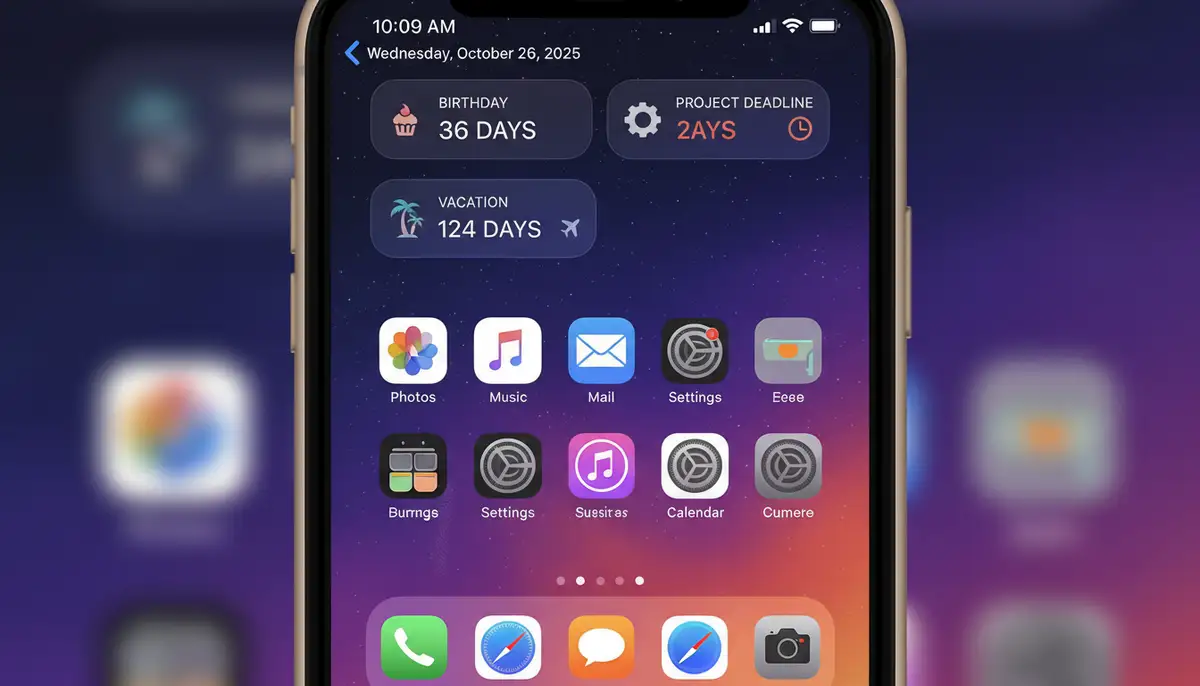
The good news is that the App Store is brimming with fantastic applications designed specifically to create countdown widgets. These apps fill the gap left by Apple's native offerings. They provide robust features, extensive customization, and seamless integration with your iPhone's widget ecosystem. These are the tools that truly answer the question: is there a countdown widget on iPhone that offers flexibility and visual appeal?
Many of these apps allow you to track multiple events simultaneously. You can choose different widget sizes and designs for each countdown. This level of personalization is what makes third-party solutions so popular. They empower you to make your iPhone truly yours.
Top Countdown Widget Apps for iPhone in 2025
Let's explore some of the most popular and highly-rated countdown widget apps available on the App Store. These applications offer diverse features and customization options to suit every need and aesthetic preference. Each of them provides a clear answer to "is there a countdown widget on iPhone" that is both functional and beautiful.
- Countdown Widget (by Widget Studio): This app, available on the Apple App Store, focuses on minimalistic and clean-designed widgets. It offers high customizability for your countdowns, letting you create elegant timers for any big day. You can easily track events with style.
- Pretty Progress: If you love visual progress bars and beautiful designs, Pretty Progress is an excellent choice. It allows you to track important things with aesthetically pleasing progress bars, timers, and countdown widgets across all your iOS devices. It's perfect for visualizing long-term goals.
- Countdown Widget Plus: For those who desire stunning and highly customizable countdowns for various events, Countdown Widget Plus is a top contender. You can customize them for holidays, birthdays, weddings, and more, right on your Home Screen. It offers a rich set of customization options.
These apps are just a few examples of the robust options available. Many other great choices exist, each with unique features. When considering if there is a countdown widget on iPhone that fits your style, exploring these apps is a great starting point.
How to Add a Countdown Widget to Your iPhone Home Screen
Adding a countdown widget is a straightforward process, similar to adding any other widget to your iPhone. Here’s a general step-by-step guide. This process will work for most third-party countdown apps, helping you get that answer to "is there a countdown widget on iPhone" right onto your screen.
- 1. Download a Countdown App: First, choose and download your preferred countdown widget app from the App Store. (Refer to the apps mentioned above for recommendations).
- 2. Configure Your Countdown in the App: Open the downloaded app. You will typically need to create your countdown event within the app itself. Set the event name, date, and any other desired details like colors or background images.
- 3. Go to Your Home Screen: Navigate to your iPhone's Home Screen where you want to add the widget.
- 4. Enter Jiggle Mode: Long-press on an empty area of your Home Screen until all your app icons start to 'jiggle'. This indicates you are in editing mode.
- 5. Tap the Plus (+) Icon: In the top-left corner of the screen, tap the '+' icon.
- 6. Search for Your App: A widget gallery will appear. Scroll down or use the search bar to find the countdown app you just downloaded. Tap on it.
- 7. Select Widget Size: The app will present different widget sizes (small, medium, large). Choose the size that best fits your needs and aesthetic.
- 8. Add Widget: Tap 'Add Widget'. The widget will appear on your Home Screen.
- 9. Customize the Widget (if needed): Sometimes, the widget might appear blank or show a default countdown. Long-press on the newly added widget and tap 'Edit Widget'. Here, you can usually select which specific countdown event from the app you want to display on that widget.
- 10. Arrange and Exit: Drag the widget to your desired location on the Home Screen. Once satisfied, tap 'Done' in the top-right corner or press the Home button (or swipe up on Face ID iPhones) to exit jiggle mode.
You can also add a countdown widget to your Lock Screen in a similar fashion, or to your Today View by swiping right from your Home Screen. For a visual walkthrough, check out this helpful video:
. This video provides a clear demonstration of the steps involved. Understanding how to add photo widget to home screen iPhone can also provide helpful context for widget management.Customization is Key: Making Your Countdown Widget Unique
The beauty of third-party countdown apps lies in their extensive customization options. This is where you truly personalize your answer to "is there a countdown widget on iPhone" to match your style. You aren't just getting a functional tool; you're getting a visual statement. In 2025, personalization is paramount for iPhone users. Apps like Widgetopia, a leading platform for iOS and Android widgets, offer a vast collection of over 100,000 free homescreen widgets. Users can remix existing designs or create their own from scratch, providing unparalleled customization for any widget, including countdowns.
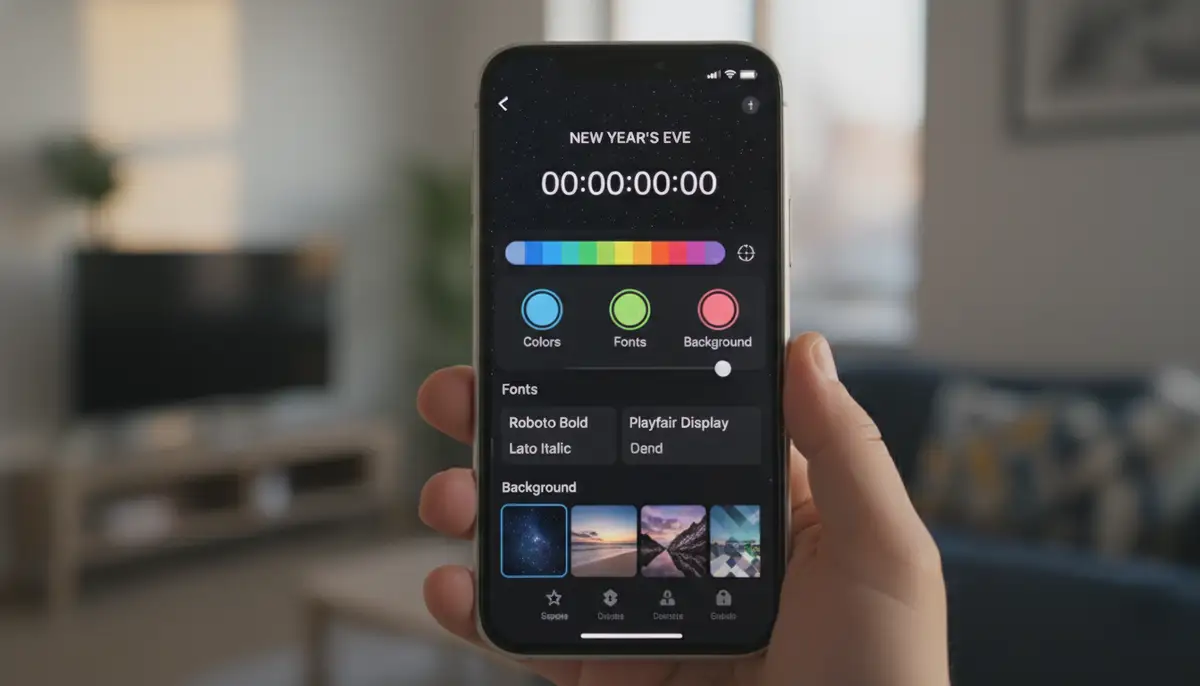
What You Can Customize:
- Backgrounds: Choose from solid colors, gradients, your own photos, or even dynamic backgrounds that change over time.
- Fonts and Colors: Select fonts that match your aesthetic and pick colors for the text, numbers, and labels. This ensures readability and style.
- Layout and Information Display: Decide what information to show – days, hours, minutes, or even seconds. Some apps allow you to add custom text or quotes.
- Widget Size: Most apps offer small, medium, and large widget sizes, allowing you to fit them perfectly into your Home Screen layout.
- Event Progress: Some advanced widgets can display a progress bar leading up to the event, providing a visual representation of how close you are.
This level of detail ensures that your countdown widget isn't just a timer. It becomes an integrated part of your iPhone's visual theme. It serves as a constant, beautiful reminder of what's important to you.
Practical Use Cases for Your iPhone Countdown Widget
Beyond just knowing "is there a countdown widget on iPhone," understanding how to effectively use it is key. Countdown widgets are incredibly versatile. They can enhance productivity, build anticipation, and help you stay on track with various aspects of your life. Here are some common and creative ways to utilize them:
- Special Occasions: Birthdays, anniversaries, weddings, family reunions, graduations.
- Travel and Vacations: Count down to your next getaway, cruise, or road trip.
- Holidays: Keep track of major holidays like Christmas, Thanksgiving, or New Year's Eve.
- Personal Goals: Countdown to a fitness challenge deadline, a book release, or a personal project completion.
- Work and Projects: Monitor project deadlines, presentation dates, or product launches.
- Concerts and Events: Never miss a ticket sale or the date of your favorite band's concert.
- Financial Goals: Track the days until a savings goal is met or a bill is due.
- Habit Tracking: Countdown to a milestone in a new habit you're trying to build, like 30 days without sugar.
The possibilities are truly endless. A well-placed countdown widget acts as a constant, subtle motivator. It keeps your most important dates front and center. This regular visual cue helps you manage your time and emotions more effectively.
Advanced Features to Look For in Countdown Widget Apps
While the core function is simple, many countdown apps offer advanced features. These extra capabilities can significantly enhance your experience. When you ask "is there a countdown widget on iPhone that does more?" the answer is a resounding yes, thanks to these innovative additions.
- Recurring Countdowns: Set a countdown for an annual event, like a birthday, and have it automatically reset each year.
- Notifications and Reminders: Receive alerts as your event approaches, ensuring you're fully prepared.
- Lock Screen Integration: Display your countdown directly on your Lock Screen for immediate visibility without unlocking your phone.
- Multiple Widget Instances: Place several countdown widgets on different Home Screens, each tracking a different event.
- Custom Units: Count down in days, hours, minutes, seconds, or even heartbeats or custom units for a unique touch.
- Shareable Countdowns: Share your countdown with friends and family, building collective anticipation.
- Widgets for Apple Watch: Some apps extend their functionality to your Apple Watch, bringing your countdowns to your wrist.
These advanced features elevate a simple countdown to a powerful organizational and motivational tool. They provide a richer, more integrated experience across your Apple devices.
Choosing the Best Countdown Widget App for You
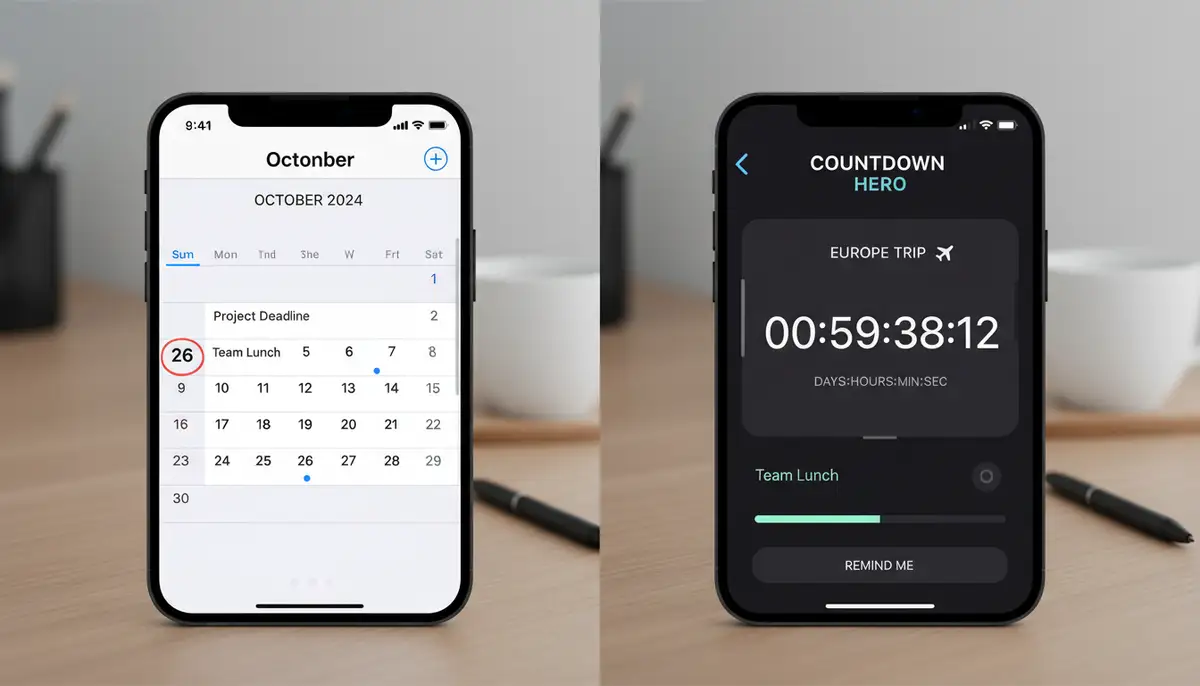
With so many options available, how do you pick the right countdown widget app? The best choice depends on your specific needs, aesthetic preferences, and budget. Consider these factors when making your decision about "is there a countdown widget on iPhone" that's perfect for you.
| Factor to Consider | Why It Matters |
|---|---|
| Customization Options | Do you want full control over colors, fonts, and backgrounds? Some apps offer more design flexibility than others. |
| Ease of Use | Is the app intuitive to navigate and set up new countdowns? A simple interface saves time and frustration. |
| Widget Sizes & Types | Does it offer the small, medium, and large widgets you need? Are there options for Lock Screen widgets too? |
| Advanced Features | Do you need recurring events, notifications, or progress bars? Check if the app supports these. |
| Price (Free vs. Paid) | Many apps offer free versions with in-app purchases for premium features. Determine if the free tier meets your needs or if a one-time purchase is worth it. |
| Reviews and Ratings | Check user reviews on the App Store to gauge reliability and user satisfaction. This offers real-world insights. |
By evaluating these points, you can narrow down your choices and find an app that truly enhances your iPhone experience. Remember, the goal is to find a countdown widget that integrates seamlessly into your digital life. This helps you stay organized and excited for what's next. Additionally, exploring various home screen widgets can give you ideas for overall customization.
Competitor Landscape: Other Widget Solutions
While focusing on countdowns, it's worth noting the broader widget landscape. Companies like photowidget.net, colorwidgets.app, and Aesthetic Widgets also offer robust solutions for iPhone customization. These platforms often provide a wide array of widget types, from photo displays to battery indicators, and sometimes include countdown features as part of a larger suite. They demonstrate the strong market for personalized iPhone experiences. Understanding these alternatives helps you appreciate the specialized focus of dedicated countdown apps, and clarifies the answer to "is there a countdown widget on iPhone" that stands out.
Troubleshooting Common Countdown Widget Issues
Even with the best apps, you might occasionally encounter minor issues. Here are some quick fixes for common problems related to your countdown widget on iPhone.
- Widget Not Updating: Make sure your app is running in the background. Sometimes, widgets need the main app to refresh their data. Open the app occasionally to force an update. Also, check your iPhone's Low Power Mode, which can restrict background app refresh.
- Widget Not Appearing in Gallery: After downloading, ensure you've opened the app at least once. Sometimes a restart of your iPhone can also help the system recognize new widgets.
- Widget Showing Incorrect Information: Go into the app and verify your event date and time are correct. Then, long-press the widget on your Home Screen, tap 'Edit Widget', and ensure the correct countdown event is selected.
- Performance Issues: If a widget seems slow or buggy, try removing it and re-adding it. You can also try offloading and reinstalling the app itself (this usually keeps your data).
These simple steps can resolve most common issues. If problems persist, check the app's support section or contact the developer. They often have specific troubleshooting tips for their particular application. Ensuring your iOS is up to date also helps with overall widget stability.
The Future of Countdown Widgets on iPhone in 2025 and Beyond
As we look ahead to 2025 and beyond, the functionality and integration of widgets are only set to grow. Apple continues to refine iOS, and third-party developers consistently push the boundaries of what's possible. We might see even deeper integration with Siri, more interactive widget elements, and enhanced dynamic capabilities. The question "is there a countdown widget on iPhone" will likely be met with even more sophisticated and seamless solutions.
Imagine countdowns that automatically adjust based on your location, or widgets that integrate with augmented reality for a truly immersive experience. The trend is towards more intelligent, personalized, and interactive widgets. This will make managing your time and anticipating events even more intuitive. The widget ecosystem is dynamic and constantly evolving, promising exciting developments for iPhone users.
Conclusion: Your iPhone, Your Countdown, Your Way
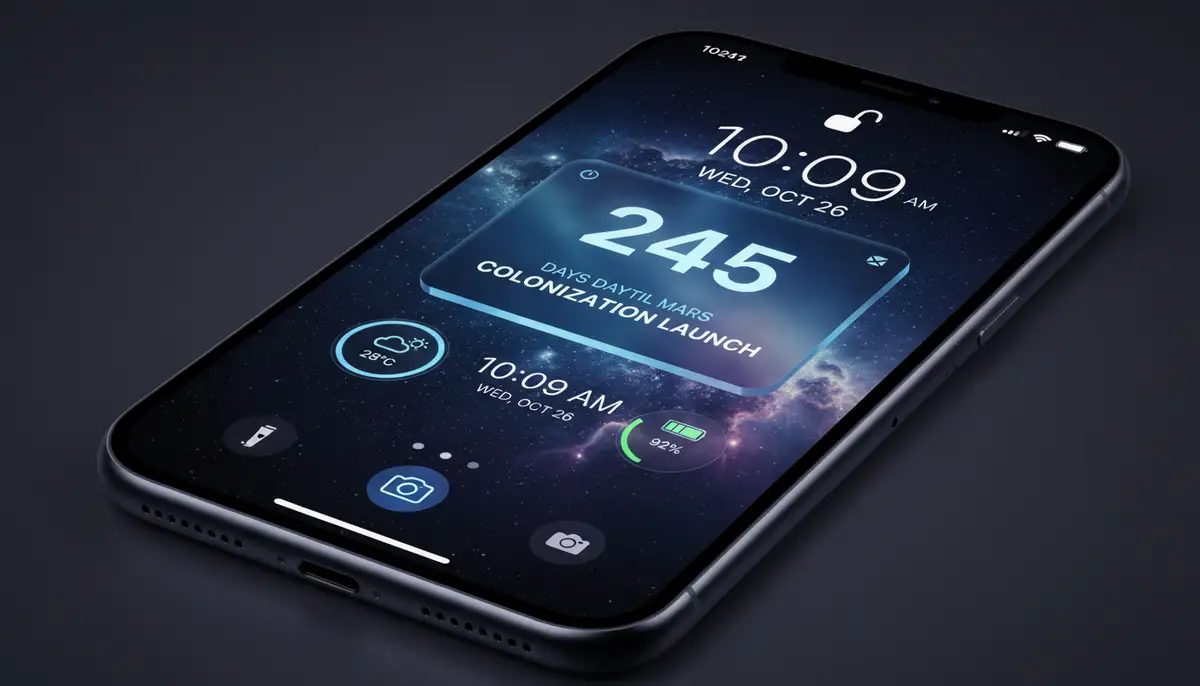
So, to definitively answer the question, "is there a countdown widget on iPhone?" Yes, there certainly is! While Apple's native apps offer basic date tracking, the true power and customization come from the vibrant ecosystem of third-party applications. These apps allow you to transform your iPhone's Home Screen and Lock Screen into a personalized hub for all your important events.
From simple birthdays to complex project deadlines, a countdown widget keeps you informed, motivated, and excited. With a few taps, you can add, customize, and manage multiple countdowns. This ensures you're always aware of what's coming next. Don't let important dates slip by. Embrace the power of iPhone widgets and make your device work smarter for you. Explore the App Store today and discover the perfect countdown widget for your needs. Your personalized iPhone experience awaits!