


The Ultimate Guide to App Icon Themes in 2025: Personalize Your Digital World

Introduction: The Rise of App Icon Themes in 2025
Your smartphone is more than just a device. It's an extension of your personality, a tool for productivity, and a window to your world. In 2025, personalizing this digital companion has never been easier or more popular. One of the most impactful ways to make your phone truly yours is through app icon themes. These themes transform the look and feel of your home screen. They allow for an aesthetic that perfectly matches your style.
Gone are the days of generic, uniform app icons. Today, you can curate every visual detail. This guide will take you through everything about app icon themes. You will learn how to find them, apply them, and even design your own. Get ready to unlock a new level of digital personalization.
What Exactly Are App Icon Themes?
At its core, an app icon theme is a set of custom graphics. These graphics replace the default icons of your applications. Instead of seeing the standard Facebook blue 'f' or Instagram's rainbow camera, you might see a minimalist monochrome icon. Or perhaps a retro pixel art version. The goal is to create a cohesive visual language across your entire device. This makes your home screen look polished and unique.
App icon themes can range from subtle color adjustments to complete artistic overhauls. They often come as part of a larger theme pack. These packs might include matching wallpapers and widgets. The beauty lies in their flexibility. You can apply a full theme or mix and match individual icons. This gives you ultimate control over your phone's appearance.
Beyond Aesthetics: The Benefits of Customizing with App Icon Themes
While the visual appeal is obvious, the advantages of using app icon themes go deeper. They enhance your daily phone experience in several key ways.
- Personal Expression: Your phone reflects your unique style and personality.
- Improved Organization: Themed icons can make it easier to group and identify apps quickly.
- Enhanced User Experience: A visually pleasing home screen can reduce digital clutter and stress.
- Refreshing Your Device: A new theme can make an old phone feel brand new, boosting your mood.
When you choose app icon themes, you are not just changing colors. You are crafting an environment that resonates with you. This can make your digital interactions more enjoyable and intuitive. Imagine a home screen where every element feels perfectly placed and designed just for you. That is the power of customization.
Getting Started: How to Apply App Icon Themes on iOS and Android
The process for applying app icon themes varies between iOS and Android. Both platforms offer robust customization options. However, they approach it from different angles. Let's break down how you can transform your device, no matter which operating system you use.
iOS Customization: Shortcuts and Third-Party Apps
Apple introduced significant home screen customization with iOS 14. This opened the door for widespread adoption of app icon themes. The primary method involves using the built-in Shortcuts app. Here’s a simplified overview of the process:
- Find Your Icons: Download or create custom icon images. Many apps and websites offer icon packs.
- Open Shortcuts: Launch the Shortcuts app on your iPhone or iPad.
- Create New Shortcut: Tap the '+' icon to start a new shortcut.
- Add Action: Select 'Open App' and choose the app you want to customize.
- Add to Home Screen: Tap the share icon, then 'Add to Home Screen'.
- Name and Image: Give your shortcut a name and select your custom icon image. Then tap 'Add'.
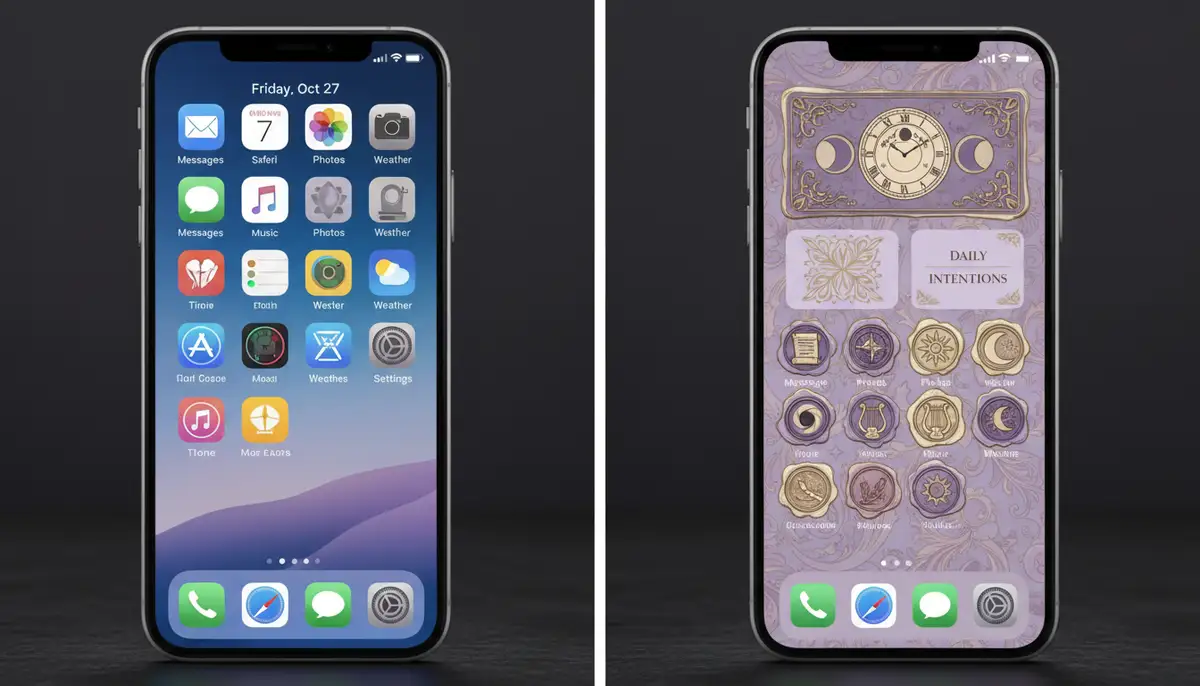
This method creates a shortcut that launches the original app. It's a clever workaround to change your app icon themes. While effective, it does add an extra step to launching apps. However, many users find the aesthetic payoff worth it. There are also third-party apps designed to simplify this process. These apps often bundle icons, wallpapers, and widgets. They make applying app icon themes much quicker and easier.
Android Customization: Launchers and Icon Packs
Android has always been known for its flexibility. This makes customizing app icon themes generally more straightforward than on iOS. The key to Android customization lies in custom launchers. A launcher is an application that manages your home screen, app drawer, and gestures. Popular launchers like Nova Launcher, Lawnchair, and Action Launcher offer extensive customization options.
Once you install a custom launcher, you can then apply icon packs. Icon packs are collections of icons designed to work with these launchers. You simply download an icon pack from the Google Play Store. Then, you select it within your launcher's settings. This instantly transforms all compatible app icons on your device. It's a seamless way to apply new app icon themes. Many apps, such as Themepack - App Icons, Widgets on the Google Play Store, provide comprehensive theme solutions. They offer aesthetic backgrounds, K-pop wallpapers, anime, neon, sports, and festival themes to help you customize your phone. This makes it simple to find and apply new app icon themes.
Discovering the Perfect App Icon Themes for Your Style
With countless options available, finding the ideal app icon themes can be an exciting journey. The digital landscape is full of resources. These resources cater to every aesthetic preference. You can find everything from minimalist designs to vibrant, animated icons.
Exploring App Stores and Dedicated Platforms
Both the Apple App Store and Google Play Store host a vast array of apps dedicated to customization. Many of these apps offer curated collections of app icon themes. They often include matching wallpapers and widgets for a complete makeover. Searching for terms like 'icon packs,' 'aesthetic themes,' or 'custom icons' will yield numerous results.
Beyond the main app stores, specialized platforms offer unique collections. For open-source enthusiasts and those seeking more desktop-inspired designs, GNOME-Look.org provides a wide range of icon themes. While often designed for Linux desktops, many can inspire or be adapted for mobile use. They aim to be complete for desktop use under Gnome or KDE Plasma, offering a rich source of design ideas for your app icon themes.
Additionally, websites like Widget Club offer thousands of aesthetic app icon packs for both iPhone/iPad and Android. You can download icons for commonly used apps, available in both free and paid options. This makes it easy to explore many styles of icons and find the perfect app icon themes for your device. Companies like colorwidgets.app, widgetsmith.app, and Aesthetic Widgets are also popular choices. They provide comprehensive tools and collections for personalizing your device, often including app icon themes.
Popular Styles and Trends in App Icon Themes
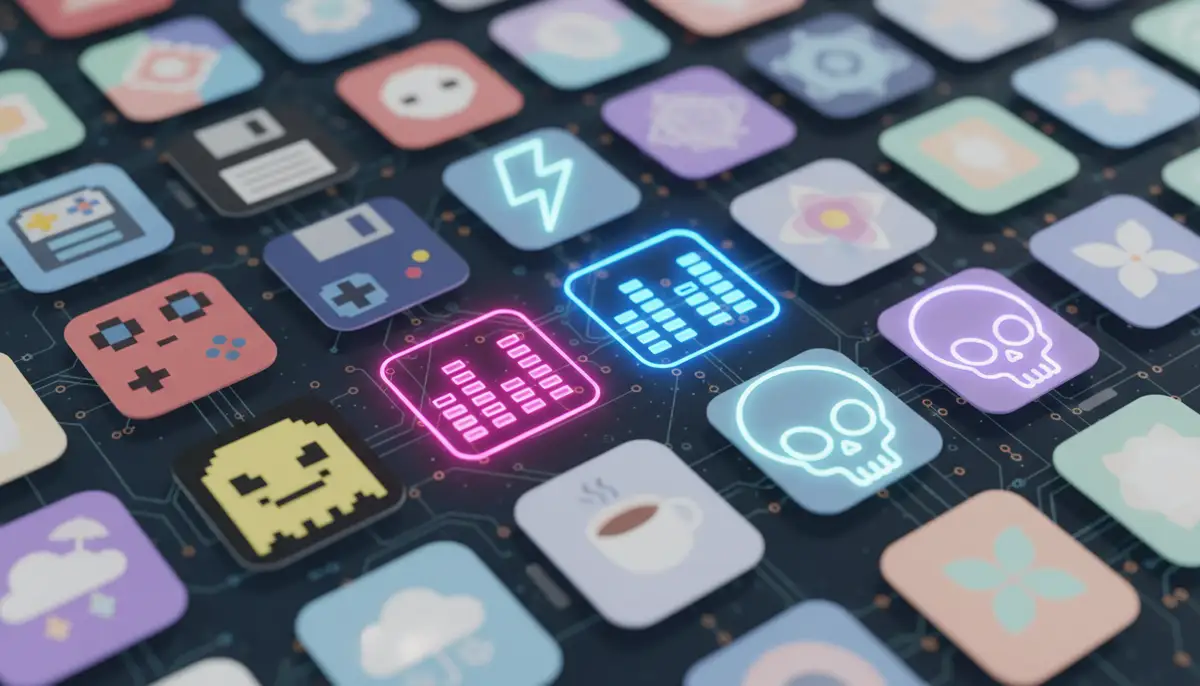
The world of app icon themes is constantly evolving. New trends emerge regularly. In 2025, several styles dominate the customization scene. Minimalist designs remain popular, featuring clean lines, muted colors, and simple glyphs. Neon themes offer a vibrant, futuristic glow. Retro themes, drawing inspiration from 8-bit graphics or vaporwave aesthetics, also have a strong following.
Specific aesthetic niches, like K-pop themes, cottagecore, or dark academia, also provide unique app icon themes. These cater to diverse tastes. You can find icons that reflect virtually any subculture or artistic movement. To see some truly stunning examples, check out this video showcasing
. It will give you plenty of inspiration for your next set of app icon themes.Designing Your Own App Icon Themes: Unleash Your Creativity
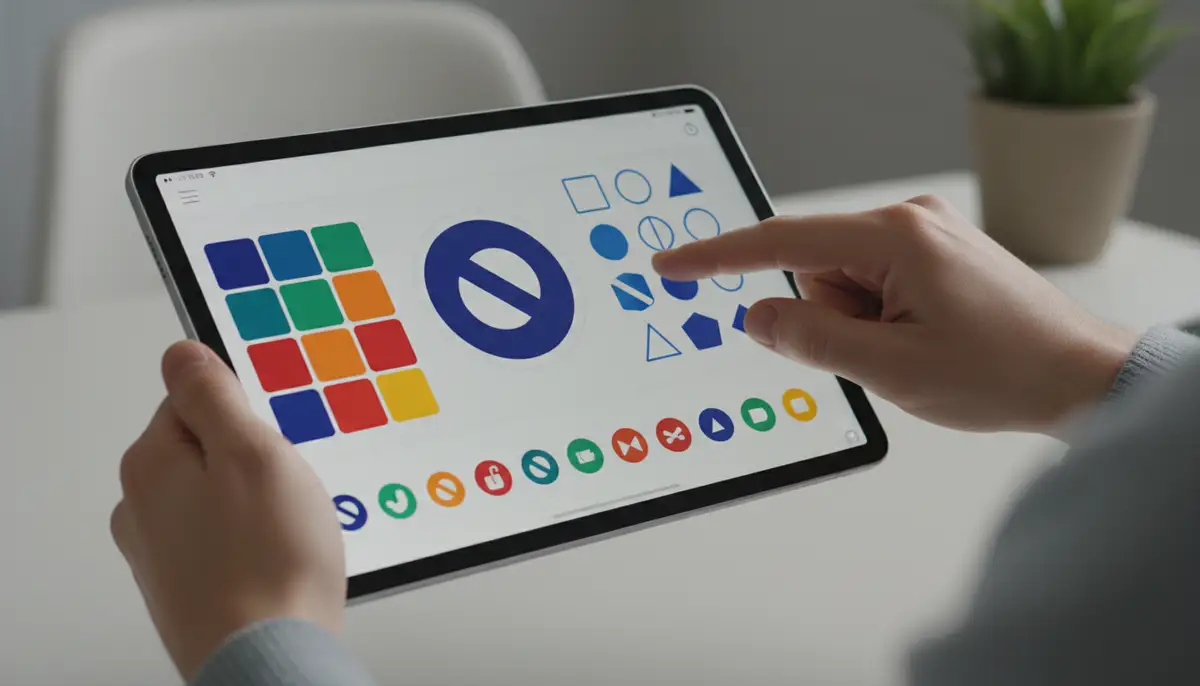
Why stop at downloading when you can create? Designing your own app icon themes adds an unparalleled level of personalization. It allows you to craft icons that perfectly match your vision. You don't need to be a professional graphic designer to get started. Many user-friendly tools are available.

You can use simple image editors on your phone or computer. Or you can dive into more advanced design software. Our platform, Widgetopia, not only offers a vast collection of home screen widgets but also empowers you to remix or design your own custom elements. This includes unique icons. We provide the tools to bring your creative app icon themes to life. You can start from scratch or modify existing designs.
| Tool Type | Best For | Complexity |
|---|---|---|
| Simple Editors (e.g., Canva, PicsArt) | Quick, basic icons, text overlays | Low |
| Advanced Editors (e.g., Photoshop, Affinity Designer) | Detailed, unique designs, intricate graphics | High |
| Icon Pack Studios (e.g., Icon Pack Studio for Android) | Generating full Android icon packs easily | Medium |
When designing your app icon themes, consider consistency. Use a similar color palette, style, and level of detail across all your icons. This ensures a harmonious and professional look for your home screen. Experiment with different shapes, shadows, and textures. Let your creativity flow. The possibilities for custom app icon themes are endless.
Maintaining and Evolving Your App Icon Themes
Your phone's aesthetic doesn't have to be static. Just like fashion, digital trends change. Regularly updating or switching your app icon themes keeps your device feeling fresh and exciting. Think of it as redecorating your digital living space. A fresh look can inspire new productivity or simply bring a smile to your face.
Tips for Keeping Your Home Screen Fresh
- Seasonal Changes: Switch your app icon themes to match seasons or holidays (e.g., spooky Halloween icons, festive winter themes).
- Theme Rotations: Have a few favorite themes? Rotate them monthly or quarterly to prevent visual fatigue.
- Matching Wallpapers: Always pair your app icon themes with a complementary wallpaper for a cohesive look.
- Exploring New Releases: Keep an eye on app stores and customization communities for the latest and greatest app icon themes.
Don't be afraid to experiment. Sometimes, a subtle change can make a big difference. You might find that a completely new set of app icon themes revitalizes your entire phone experience. It encourages you to explore your apps in a new light. This proactive approach to customization ensures your phone always feels current and personalized.
Advanced Customization: Integrating App Icon Themes with Your Digital Ecosystem
App icon themes are a powerful tool for personalization. However, they are just one piece of the puzzle. To truly master your device's aesthetic, consider how your icons integrate with other elements. This holistic approach creates a truly immersive and functional user experience. It ensures every part of your phone works together harmoniously.
Beyond Icons: Widgets and Wallpapers
Your chosen app icon themes should complement your widgets and wallpaper. A well-designed home screen features a unified visual language. For example, if you use a minimalist icon pack, pair it with a clean, understated wallpaper. Similarly, ensure your news app widget and other widgets blend seamlessly. You want them to match the color scheme and style of your app icon themes. This creates a polished and professional look.
Think about how your app icon themes work with your digital privacy strategy. A cohesive theme can make your app photo locker blend seamlessly into your aesthetic. This ensures sensitive apps don't stand out unnecessarily. It's about creating a beautiful and functional environment. Every element, from your app icon themes to your most secure apps, should feel integrated.
Optimizing Performance and Battery Life
While customization is fun, it's important to be mindful of performance. Some custom launchers or heavy app icon themes can consume more resources. This might lead to slower performance or reduced battery life on older devices. Always choose efficient launchers and optimized icon packs. Read reviews and check developer updates. This helps ensure your aesthetic choices don't compromise your phone's functionality. Balance beauty with practicality for the best experience with app icon themes.
Common Challenges and Smart Solutions for App Icon Themes
Venturing into the world of app icon themes can be exciting. However, you might encounter a few common hurdles. Knowing how to address these challenges will make your customization journey smoother and more enjoyable. Don't let small issues deter you from achieving your desired aesthetic.
Icon Inconsistency and Missing Icons
One frequent issue is that not every app in your library will have a custom icon within a downloaded pack. This can lead to a mix of themed and default icons, breaking the cohesive look. For Android users, many launchers allow you to manually assign icons. You can choose from other packs or use a custom image. Some launchers also offer 'adaptive icons' that try to match the theme's style automatically. For iOS, you'll need to create individual shortcuts for these missing icons.
Another solution is to choose comprehensive icon packs. These packs often include thousands of icons, covering a wide range of popular and lesser-known apps. Always check the description of an icon pack before downloading. Look for information on the number of icons included and supported apps. This can save you time and effort when setting up your app icon themes.
Performance Impact
As mentioned earlier, some customization options can affect your device's performance. Custom launchers, especially those with many animations or complex features, might consume more RAM. This could potentially slow down your phone. Similarly, very high-resolution icon packs, while visually stunning, can take up more storage and processing power. If you notice a slowdown, consider these steps.
- Choose Lightweight Launchers: Opt for launchers known for their efficiency and minimal resource usage.
- Optimize Icon Pack Settings: Some launchers allow you to adjust icon resolution or disable certain effects.
- Regularly Clear Cache: Clearing the cache of your launcher and icon pack apps can help maintain smooth performance.
- Restart Your Device: A simple restart can often resolve minor performance hiccups.
Finding the right balance between aesthetics and performance is key. You don't have to sacrifice speed for style. With careful selection of app icon themes and launchers, you can enjoy a beautiful and responsive device.
The Future of App Icon Themes: What's Next in 2025 and Beyond?
The evolution of app icon themes is far from over. As technology advances, so do the possibilities for personalization. We are on the cusp of even more intelligent and dynamic customization options. These innovations will make your phone truly responsive to your needs and mood. The future promises exciting developments for app icon themes.
AI-Powered Personalization
Imagine a world where your phone automatically generates app icon themes. These themes could be based on your usage patterns, current mood, or even the weather. Artificial intelligence will play a significant role in this. AI algorithms could analyze your app usage. Then, they could suggest or create icon styles that align with your habits. For example, if you use productivity apps heavily in the morning, your icons might shift to a focused, minimalist style. In the evening, they might transition to a more relaxed, aesthetic theme. This level of intelligent adaptation will redefine what app icon themes can do.
Dynamic and Adaptive Themes
Beyond static images, expect to see more dynamic app icon themes. These themes could change throughout the day. Your icons might adjust their colors based on the time. Or they could display small animations when you receive a notification. Imagine icons that subtly reflect the current weather conditions. Or even those that change based on your calendar events. This level of interactivity will make your home screen feel alive. It will provide a richer, more engaging user experience with your app icon themes. The line between static design and interactive elements will continue to blur.
Conclusion: Your Phone, Your Rules with App Icon Themes
In 2025, app icon themes offer an incredible opportunity. They allow you to transform your smartphone into a unique reflection of yourself. From simply applying pre-made packs to designing your own, the power is in your hands. You can curate a digital environment that is both beautiful and functional. This personalization goes beyond mere aesthetics. It enhances your daily interaction with your device. It makes your phone truly feel like an extension of your personality.
Embrace the world of customization. Explore the vast array of app icon themes available. Experiment with different styles. Don't be afraid to unleash your creativity. Make your phone not just smart, but also uniquely yours. Start customizing your home screen widgets and app icons today. You'll discover a more engaging and personalized digital experience.