


Mastering the Aesthetic Black Theme: Your Ultimate Guide for 2025
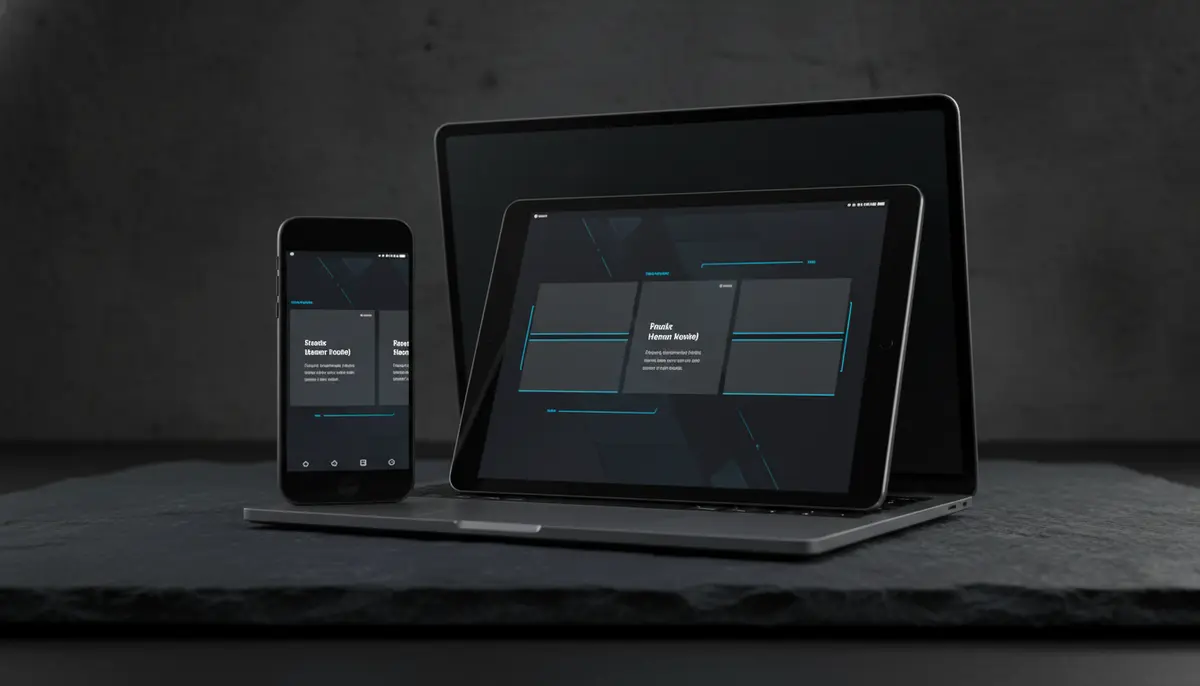
Embrace the Power of an Aesthetic Black Theme in 2025
In 2025, digital aesthetics are more important than ever. Your screens are often the first thing people see. They also impact your daily mood and productivity. Many people are now turning to an aesthetic black theme for their devices. This trend offers a sleek, sophisticated look. It also brings practical benefits like eye comfort and battery savings. This guide will help you transform your digital world. You will learn how to create a cohesive and stunning aesthetic black theme across all your devices.
Why Choose an Aesthetic Black Theme?
The appeal of a black aesthetic theme goes beyond just looks. It taps into psychological and functional advantages. Let's explore why this theme has become so popular. You might be surprised by all the benefits.
Sleekness and Sophistication
A black theme instantly elevates your device's appearance. It gives a sense of modernity and professionalism. Black is a timeless color. It suggests elegance and power. Your phone or computer will look polished and well-maintained. This can even reflect positively on you.
Eye Comfort and Battery Life
Staring at bright screens all day can strain your eyes. An aesthetic black theme reduces this strain. It lowers the amount of blue light emitted. This is especially helpful in low-light conditions. For devices with OLED or AMOLED screens, black pixels actually turn off. This means less power consumption. You will see a noticeable improvement in your device's battery life. This is a huge plus for busy users.
Versatility and Personalization
Black serves as an excellent canvas. It allows other elements to pop. You can easily add subtle pops of color or texture. This makes your aesthetic black theme uniquely yours. It’s highly adaptable to different styles. Whether you prefer minimalist or grunge, black can fit it. The possibilities for personalization are endless.
Core Elements of an Aesthetic Black Theme
Building a truly cohesive aesthetic black theme requires attention to detail. You need to consider every visual aspect of your digital environment. Here are the key components to focus on. Each one plays a vital role in the overall look and feel.
Wallpaper and Backgrounds
Your wallpaper is the foundation of your aesthetic black theme. Choose dark, minimalist images. Look for abstract patterns, subtle textures, or nightscapes. These choices provide a clean backdrop for your icons and widgets. You want something that is visually appealing but not distracting. Many resources offer stunning dark aesthetic images. You can find a vast collection of free dark aesthetic pictures on Unsplash. Also, explore black aesthetic vectors, stock photos & PSD files on Freepik for more options.
Icon Packs
Default app icons often clash with a dark theme. Invest in a custom icon pack. Look for monochrome, outline, or glyph-style icons. These maintain a clean, uniform look. Many launchers and operating systems support custom icon packs. They are a small change that makes a big difference. This helps solidify your aesthetic black theme.
Widgets and Gadgets
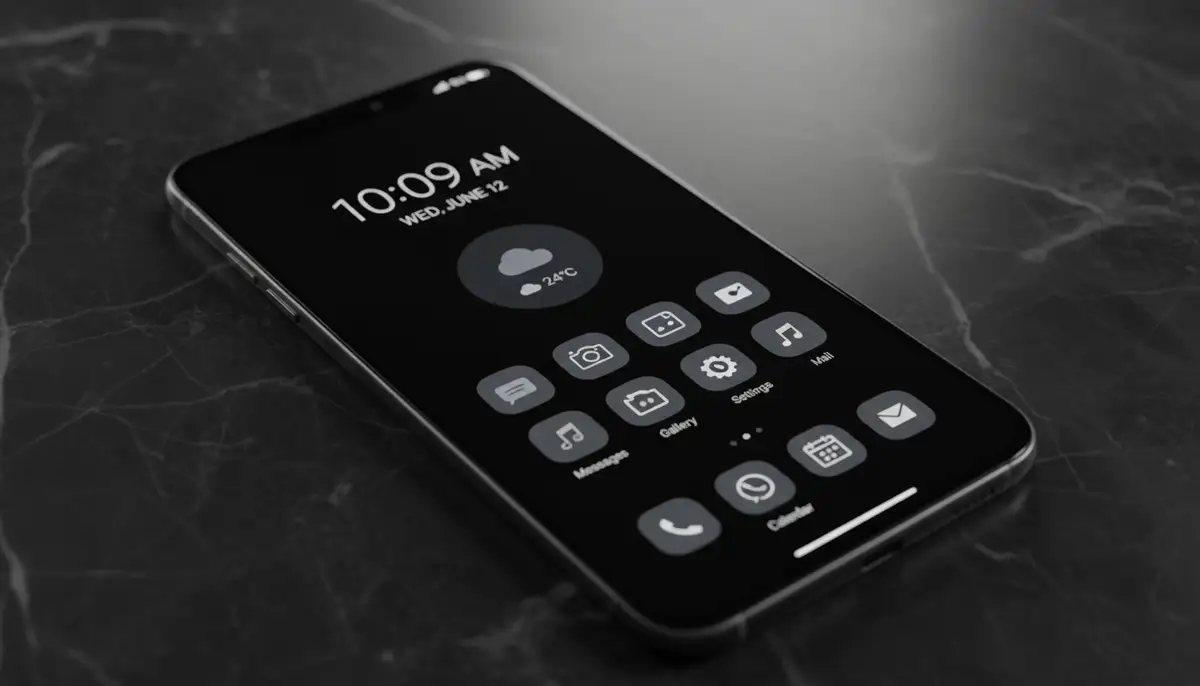
Widgets provide quick information at a glance. They also contribute significantly to your theme. Choose widgets that offer dark mode options. Many apps now include this feature. For ultimate customization, consider platforms like Widgetopia. We offer a vast collection of 100,000 free homescreen widgets. You can remix existing designs or create your own. This ensures your widgets perfectly match your aesthetic black theme. You might also explore other solutions from companies like photowidget.net, colorwidgets.app, or Aesthetic Widgets for their offerings. For dynamic data, check out our sport widgets to keep up with your favorite teams in style.
Fonts and Typography
The right font can enhance the overall aesthetic. Opt for clean, readable fonts. Sans-serif fonts often work best with dark themes. Ensure the text color provides good contrast. White, light gray, or subtle colored text on black backgrounds is ideal. Avoid overly decorative fonts. They can make your interface look cluttered. Simplicity is key for an effective aesthetic black theme.
System UI and Apps
Most modern operating systems offer a system-wide dark mode. Activate this feature first. Then, check individual apps for their dark mode settings. Consistency across all apps is crucial. This creates a seamless experience. An inconsistent look can break the immersion of your aesthetic black theme. Make sure everything aligns.
Implementing Your Aesthetic Black Theme on Different Devices
Applying an aesthetic black theme isn't a one-size-fits-all process. Each device type has its own set of steps and considerations. Let's break down how to achieve this cohesive look across your digital ecosystem. You'll soon have a perfectly synchronized setup.
Smartphones (iOS & Android)
Smartphones are often your most used devices. Therefore, getting the aesthetic black theme right here is paramount. Both iOS and Android offer robust customization options. You can truly make your phone your own. Here’s a general approach:
- Activate System Dark Mode: Go to Settings > Display and toggle on Dark Mode.
- Choose a Black Wallpaper: Select a dark image from your gallery or download one. Ensure it complements your theme.
- Install a Custom Launcher (Android): Apps like Nova Launcher or Lawnchair offer extensive icon and widget customization. This is key for an aesthetic black theme on Android.
- Customize Icons: Use icon packs that match your dark aesthetic. Many launchers integrate with these packs. On iOS, you can use Shortcuts to create custom app icons.
- Add Dark Widgets: Utilize widgets from apps that support dark mode, or create custom ones using tools like Widgetopia. For more visual guidance on phone customization, watch this helpful video: .
Desktops & Laptops (Windows & macOS)
Your computer workspace is another critical area for an aesthetic black theme. A dark desktop can reduce eye strain during long working sessions. It also looks incredibly professional. Here’s how to set it up:
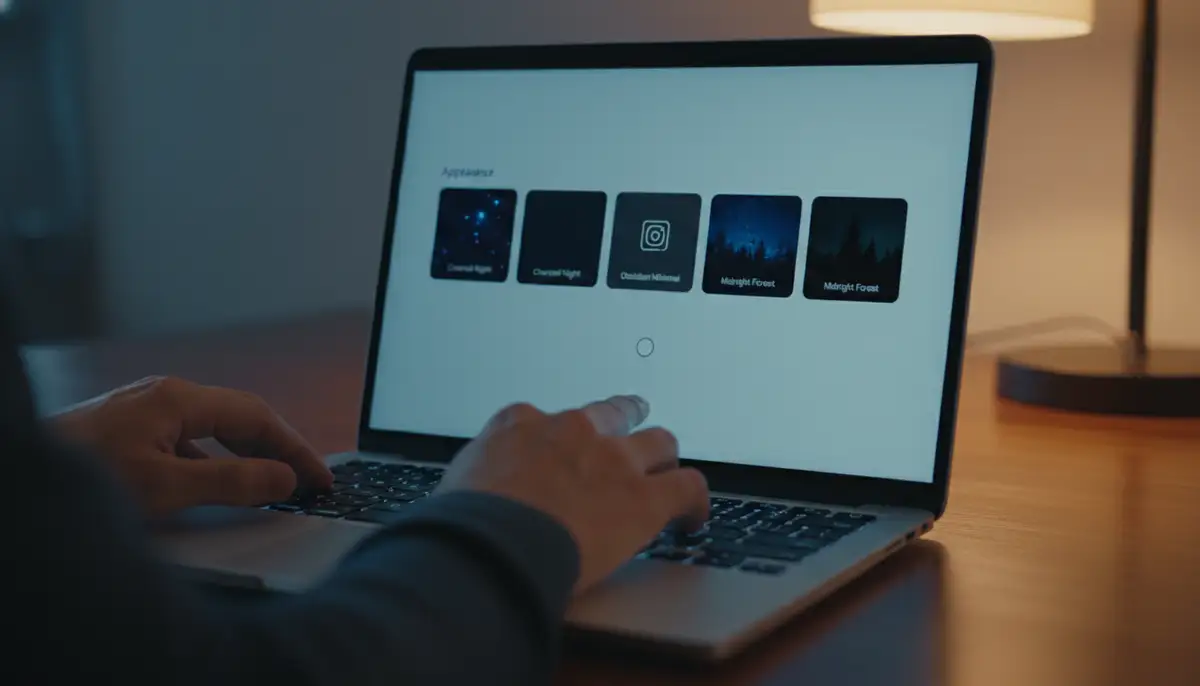
- Enable System Dark Mode: In Windows, go to Settings > Personalization > Colors and choose 'Dark' for your default app mode. On macOS, go to System Settings > Appearance and select 'Dark'.
- Set a Dark Desktop Background: Similar to phones, choose a minimalist black or dark-toned wallpaper.
- Use Dark Themes for Applications: Many popular applications (e.g., Microsoft Office, Adobe Creative Suite, web browsers) have built-in dark themes. Enable them.
- Consider Customization Tools: For Windows, tools like Rainmeter allow for highly customizable desktop widgets and monitors. For macOS, explore third-party themes or tweaks to enhance the aesthetic black theme.
Web Browsers
Even your browsing experience can be part of your aesthetic black theme. Most modern browsers offer dark mode extensions. These extensions force websites into a dark scheme. This creates a consistent visual experience. Popular options include 'Dark Reader' for Chrome and Firefox. Always ensure the extension is reputable. A uniform dark browsing experience is very satisfying.
Advanced Customization for Your Aesthetic Black Theme
Once you have the basics down, you might want to dive deeper. Advanced customization can truly elevate your aesthetic black theme. It allows for a level of personalization that goes beyond simple settings. This is where your digital space truly becomes an extension of you.
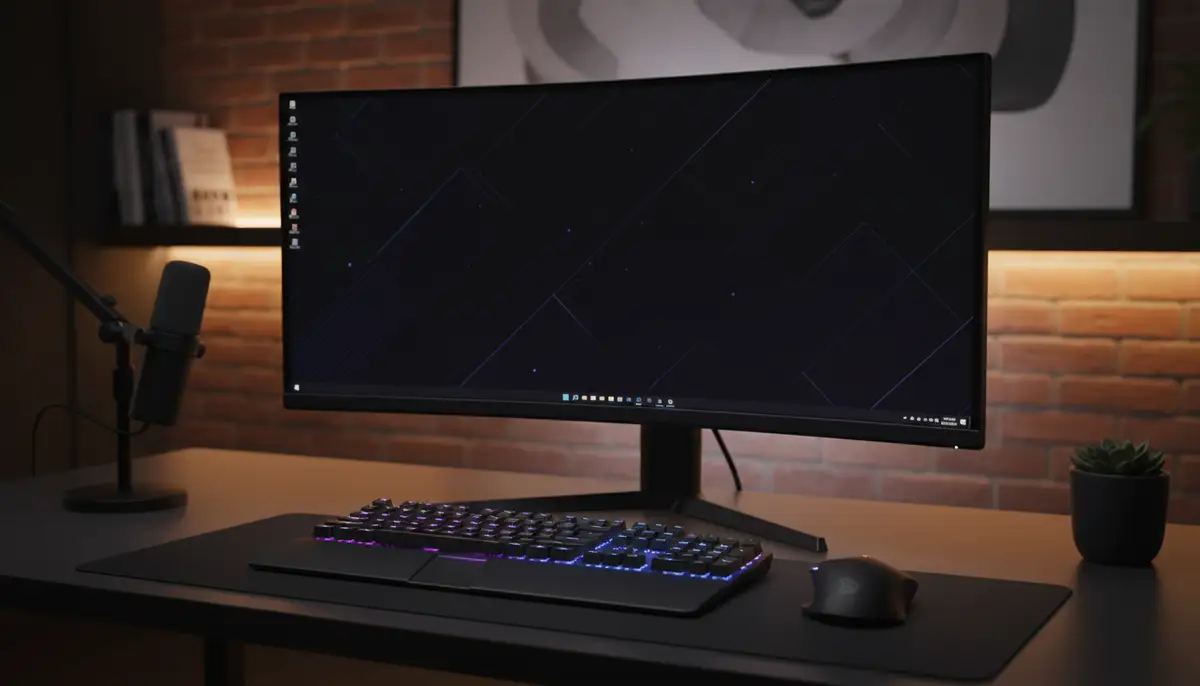
Beyond Basic Settings
For Android users, custom launchers offer unparalleled control. You can tweak almost every visual element. This includes icon sizes, grid layouts, and animation speeds. Tasker is another powerful Android app. It allows for automation based on time or location. You could set different dark themes for day and night. On iOS, the Shortcuts app provides similar automation capabilities. You can trigger specific dark mode settings or app icon changes. These tools make your aesthetic black theme dynamic and intelligent.
Curating Your Digital Space
An aesthetic black theme isn't just about color. It's also about decluttering. Remove unused apps and files. Organize your remaining items logically. A clean digital space enhances the theme's sophistication. It also improves your focus. For endless inspiration, check out black aesthetic ideas on Pinterest. You'll find wallpapers, glitch art, photography, and text ideas. These can spark new ways to refine your theme.
Integrating Smart Home Devices
Many smart home devices now offer dark mode interfaces. This includes smart displays and control apps. Extending your aesthetic black theme to these devices creates a truly integrated environment. Imagine your smart thermostat or security camera feed in a matching dark aesthetic. It adds to the overall calm and cohesion of your living space. This makes your entire environment feel more connected.
The Psychological Impact of an Aesthetic Black Theme
The choice of a black theme isn't just about visual appeal. It also carries significant psychological benefits. Understanding these can deepen your appreciation for this aesthetic. You might find new reasons to embrace it fully. It's more than just a trend; it's a lifestyle choice for many.
Focus and Productivity
Dark backgrounds minimize distractions. They allow your content to stand out. This can lead to improved focus. When there's less visual clutter, your brain can concentrate better. Many professionals find that an aesthetic black theme helps them stay on task. It creates a more immersive and less fatiguing work environment. This can be a game-changer for your daily output.
Calm and Serenity
Black is often associated with peace and quiet. A dark theme can evoke a sense of calm. It reduces the harshness of bright screens. This is especially beneficial in the evenings. It prepares your mind for relaxation. You might find yourself feeling more serene. This contributes to overall digital wellness. An aesthetic black theme can be a tool for mindfulness.
Modern Professionalism
As mentioned, black conveys sophistication. It also signals professionalism. Using an aesthetic black theme suggests you are detail-oriented. It shows you care about your digital presentation. In a world where personal branding matters, this can be an advantage. Your devices reflect your attention to detail. This makes a subtle but powerful statement.
Common Pitfalls to Avoid with Your Aesthetic Black Theme
While an aesthetic black theme offers many advantages, there are some common mistakes to avoid. Being aware of these will help you maintain a functional and beautiful setup. You want your theme to enhance, not hinder, your experience.
Overdoing It
Too much of a good thing can be, well, too much. Avoid making everything pure black. Incorporate subtle shades of dark gray or deep charcoal. These variations add depth and prevent a flat, monotonous look. A purely black screen can sometimes feel oppressive. Balance is key for a truly effective aesthetic black theme.
Readability Issues
Ensure your text and icons have enough contrast against the dark background. Light gray text on black is often more readable than pure white. Test different color combinations. You want to avoid eye strain, not create it. Always prioritize readability. A beautiful theme is useless if you can't read your content.
Inconsistent Elements
A single bright app icon or a white pop-up can ruin the entire aesthetic. Strive for consistency across all your devices and applications. Take the time to enable dark modes everywhere. This creates a truly immersive aesthetic black theme. It makes all the difference.
Future Trends in Aesthetic Black Themes (2025 and Beyond)
The world of digital aesthetics is always evolving. In 2025, we are seeing exciting new trends emerge for the aesthetic black theme. These innovations promise even more personalization and seamless integration. Get ready for an even more dynamic experience.
AI-Driven Customization
Expect AI to play a bigger role. Smart algorithms will learn your preferences. They will suggest wallpapers, icon packs, and widget layouts. This will create a perfectly tailored aesthetic black theme for you. AI could even adapt your theme based on your mood or time of day. This makes personalization effortless.
Dynamic Themes
Static themes are becoming a thing of the past. Future aesthetic black themes will be dynamic. They will feature subtle animations, changing gradients, and reactive elements. Imagine a background that subtly shifts with the weather outside. Or icons that animate when you receive a notification. This adds a new layer of engagement. It makes your devices feel alive.
More Integrated Ecosystems
The line between different devices will continue to blur. Your aesthetic black theme will seamlessly extend across your phone, tablet, laptop, and even smart home devices. Changes made on one device will instantly sync to others. This creates a truly unified digital identity. This level of integration is the future. It’s exciting to think about.
Related Aesthetic Themes You Might Explore
While the aesthetic black theme is powerful, you might also be interested in other related design philosophies. Exploring these can broaden your understanding of digital aesthetics. It can also inspire new ways to personalize your spaces. For example, if you enjoy crafting virtual environments, you might find our guide on aesthetic bloxburg neighborhood codes very useful. It provides detailed insights into creating visually appealing virtual spaces. Similarly, if you are a fan of specialized gear, understanding the aesthetics of high-performance equipment, like the details covered in our definitive guide to 10 gauge black cloud, shows how a focus on specialized design extends across many interests.
| Theme Element | Black Aesthetic Example | Alternative Aesthetic Example |
|---|---|---|
| Wallpaper | Dark nebula, subtle black texture | Pastel gradients, vibrant cityscapes |
| Icons | Monochrome glyphs, outline icons | Colorful flat icons, skeuomorphic designs |
| Widgets | Dark mode calendar, minimalist clock | Transparent weather, bright photo frames |
| Typography | Clean sans-serif white on black | Handwritten fonts, bold serifs |
| Overall Mood | Sophisticated, focused, calm | Playful, energetic, vibrant |
Conclusion: Embrace Your Aesthetic Black Theme

Adopting an aesthetic black theme is more than just a trend. It's a conscious choice for a more organized, productive, and visually appealing digital life. In 2025, with advanced customization tools and growing system support, achieving this look is easier than ever. You can enjoy improved eye comfort and extended battery life. You also gain a sophisticated and personalized digital environment. Start experimenting today. Transform your screens into a reflection of your refined taste. Your devices will thank you for it.